gajendrajain20/laravel-pioneer-cms
Composer 安装命令:
composer create-project gajendrajain20/laravel-pioneer-cms
包简介
Pioneer CMS for Laravel: To provide a platform for commencing your journey in CMS for Laravel.
关键字:
README 文档
README
Pioneer CMS for Laravel : To provide a platform for commencing your journey in CMS for Laravel.
Getting Started
These instructions will get you a copy of the project up and running on your local machine for development and testing purpose.
Prerequisites
What things you need to install the application
composer
Installing
A step by step series of examples that tell you how to get a development environment running
Open your php.ini (from your 'xampp/php/' directory) & remove semicolon i.e. ';' from the line
;extension=php_fileinfo.dll
Self update the composer
$ composer self-update
Run the command in terminal
$ composer create-project gajendrajain20/laravel-pioneer-cms
Update your .env file
DB_HOST=127.0.0.1
DB_DATABASE=homestead
DB_USERNAME=root
DB_PASSWORD=secret
Create an empty database & update the database name & password in .env file.
Create a Re-captcha key & put it in your .env file under following key
'G-RECAPTCHA-SECRET'
Dump the autoload file using composer
$ composer dumpauto
Run the command in root directory.
$ composer update
Run the command in root directory.
$ php artisan migrate --seed
Create a new virtual host entry for this application in your httpd-vhosts.conf file.
<VirtualHost *:80>
    ##ServerAdmin webmaster@dummy-host.example.com
    ServerName www.pioneercms.com
    ServerAlias pioneercms.com
    DocumentRoot "D:\xampp\htdocs\projects\laravel-pioneer-cms"
    <Directory "D:\xampp\htdocs\projects\laravel-pioneer-cms">
        Options -Indexes +FollowSymLinks +MultiViews
        AllowOverride All
        Require all granted
    </Directory>
    ##ErrorLog "logs/dummy-host.example.com-error.log"
    ##CustomLog "logs/dummy-host.example.com-access.log" common
</VirtualHost>
Note: set the DocumentRoot & Directory path to only laravel-pioneer-cms folder only... don't set it to the public folder
Create a new entry in your hosts file like this:
127.0.0.1 pioneer.com
For Adding Comments functionality in website
Signup on IntenseDebate & add a new blog/site from sites dropdown in header. Provide your site url in the given box & click on next step, then click on generic install. Then copy the code provded in sidebar & paste it in the following file:
..\resources\views\templates\default\intense-debate-script.blade.php
First Usage Instructions
- After installing open login using the given creadentials:
- Admin panel url : /admin/login
- email : admin@mailinator.com
- password : admin
Screenshots
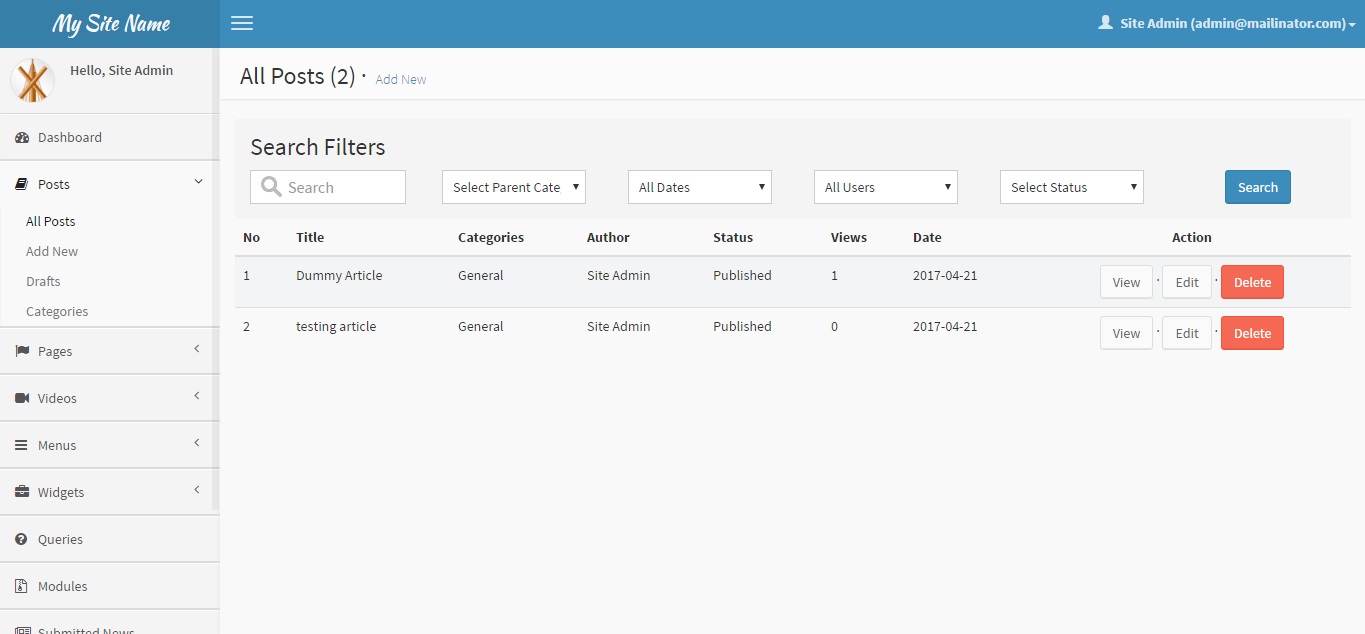
Posts
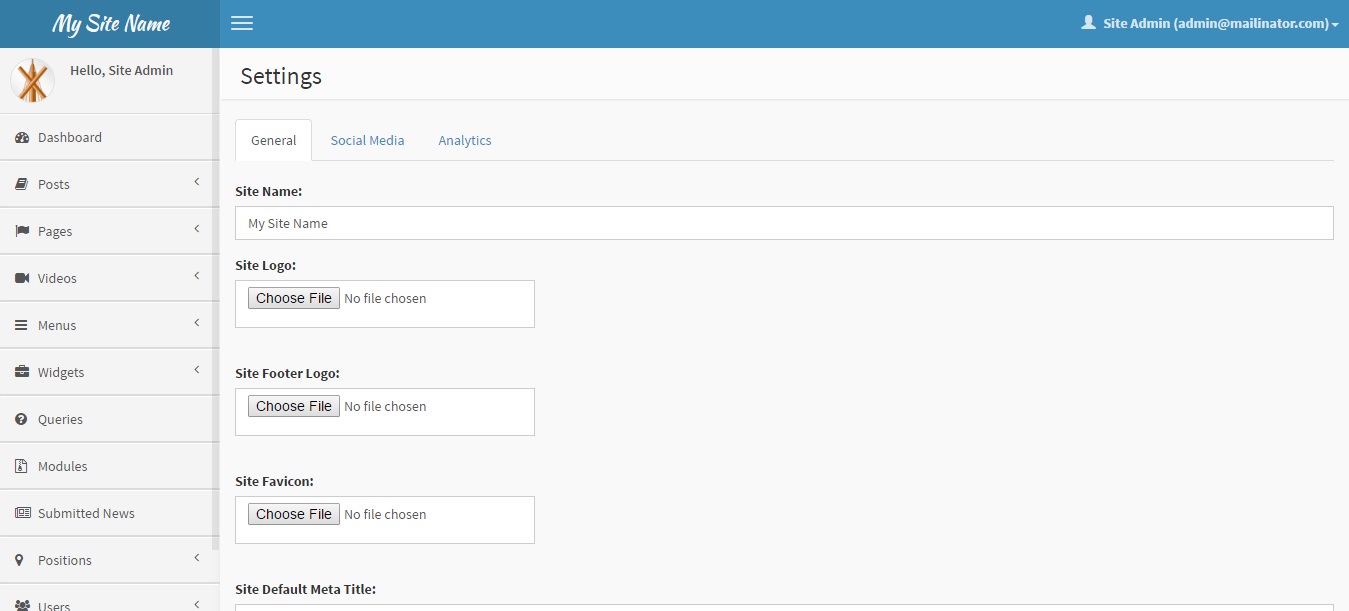
Settings
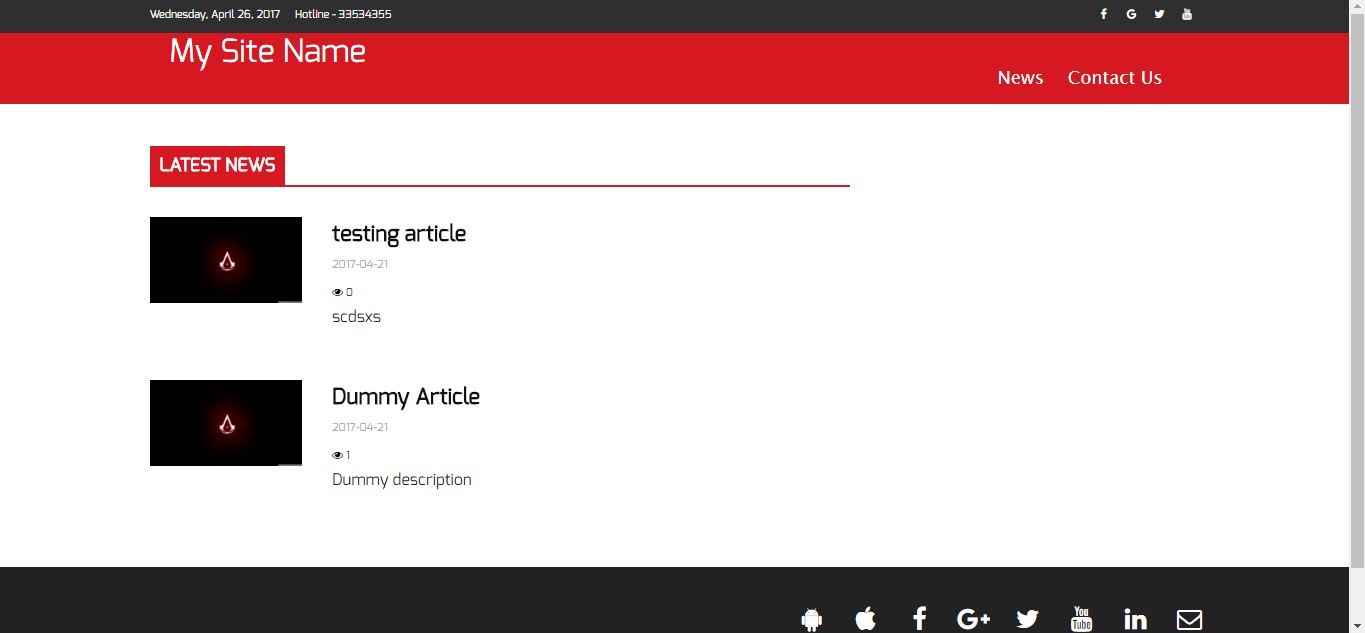
Front-end
Built With
Authors
License
This project is licensed under the MIT License - see the LICENSE file for details
Acknowledgments
- Hat tip to anyone who's code was used
gajendrajain20/laravel-pioneer-cms 适用场景与选型建议
gajendrajain20/laravel-pioneer-cms 是一款 基于 JavaScript 开发的 Composer 扩展包,目前已累计 41 次下载、GitHub Stars 达 6, 最近一次更新时间为 2017 年 04 月 24 日, 在 PHP 生态内属于活跃度较高的组件。
它主要适用于以下技术方向: 「framework」 「php」 「cms」 「laravel」 「Laravel CMS」 「PHP CMS」 等业务场景。在实际项目中,围绕这些方向常见需要落地的问题包括:接口对接、性能调优、并发安全、与既有框架(Laravel / ThinkPHP / Yii / Webman 等)的兼容适配,以及生产环境的日志埋点与稳定性保障。
我们在过去多个企业项目中使用过 gajendrajain20/laravel-pioneer-cms 或与其功能相近的方案,如果你在选型或落地过程中遇到问题,例如 版本兼容、二次改造、私有化封装、与内部系统对接、生产 BUG 排查,欢迎联系我们协助评估。
基于 gajendrajain20/laravel-pioneer-cms 在你已有业务上做功能扩展、字段裁剪、UI 适配、与内部账号 / 权限 / 日志系统的深度对接。
线上偶发问题、内存泄漏、慢查询、并发异常等排查修复;针对高流量场景做缓存、队列、索引层面的调优。
承接完整的项目从需求 → 设计 → 开发 → 上线 → 长期运维;也可按月提供技术保姆服务。
与 gajendrajain20/laravel-pioneer-cms 相关的其它包
同方向 / 同关键字的高下载量 PHP Composer 包推荐,方便对比选型:
PHP Framework HLEB2 is the foundation of the web application. Provides ease of development and application performance.
GraphQL authentication for your headless Craft CMS applications.
Set Links with a specific language parameter
Supercharged text field validation.
Integrate with Snipcart.
Follow, Favourite, Bookmark, Like & Subscribe.
统计信息
- 总下载量: 41
- 月度下载量: 0
- 日度下载量: 0
- 收藏数: 6
- 点击次数: 15
- 依赖项目数: 0
- 推荐数: 0
其他信息
- 授权协议: MIT
- 更新时间: 2017-04-24