gemini-api-php/laravel
Composer 安装命令:
composer require gemini-api-php/laravel
包简介
Gemini API client for Laravel
README 文档
README
Gemini API Client for Laravel
Gemini API Client for Laravel allows you to use the Google's generative AI models, like Gemini Pro and Gemini Pro Vision in your Laravel application.
Supports PHP 8.1 and Laravel v9, v10.
This library is not developed or endorsed by Google.
- Erdem Köse - github.com/erdemkose
Table of Contents
Installation
You need an API key to gain access to Google's Gemini API. Visit Google AI Studio to get an API key.
First step is to install the Gemini API Client for Laravel with Composer.
composer require gemini-api-php/laravel
Configuration
There are two ways to configure the client.
Environment variables
You can set the GEMINI_API_KEY environment variable with the API key you obtained from Google AI studio.
Add the following line into your .env file.
GEMINI_API_KEY='YOUR_GEMINI_API_KEY'
Configuration file
You can also run the following command to create a configuration file in your applications config folder.
php artisan vendor:publish --provider=GeminiAPI\Laravel\ServiceProvider
Now you can edit the config/gemini.php file to configure the Gemini API client.
How to use
Text Generation
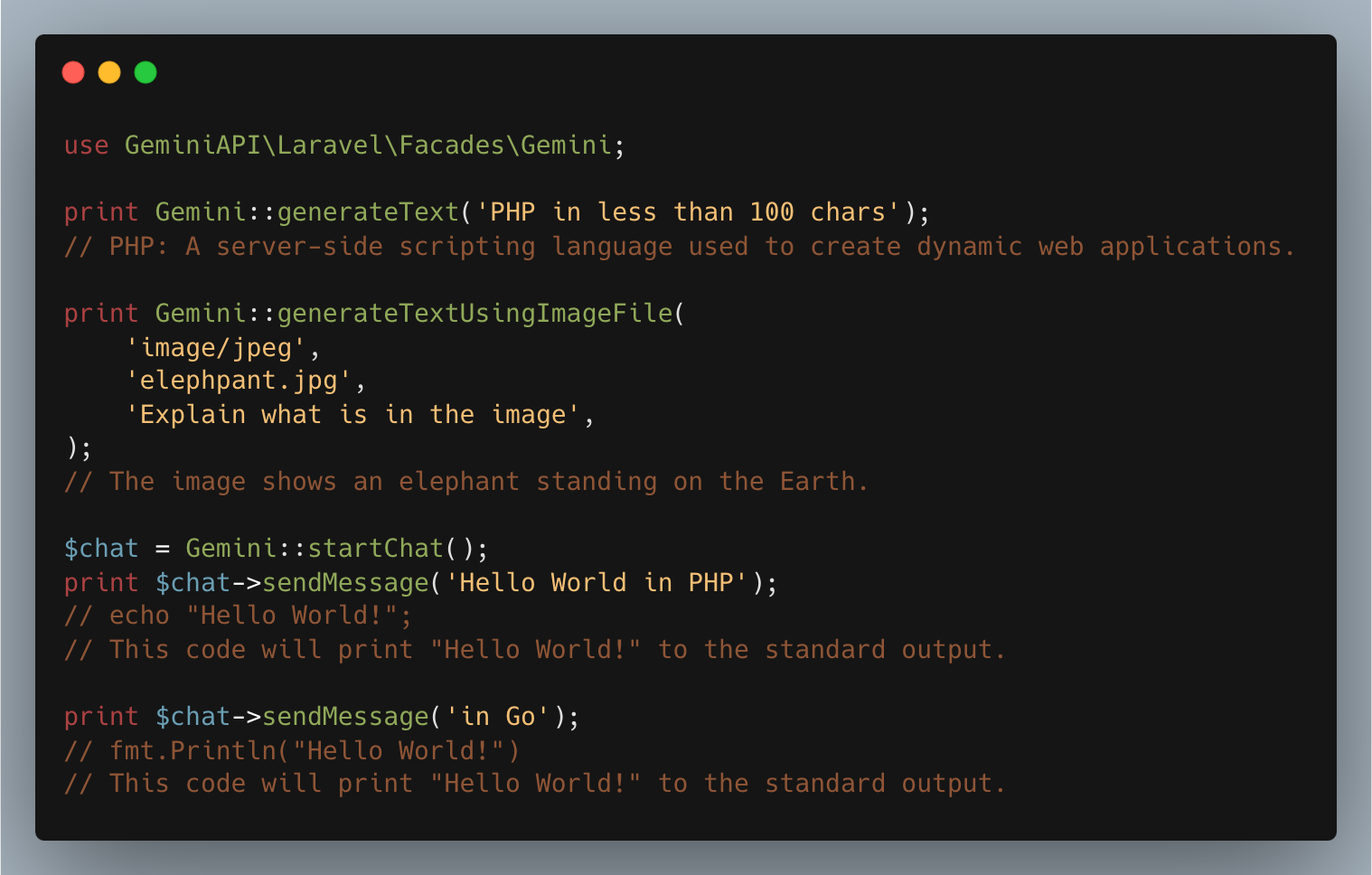
use GeminiAPI\Laravel\Facades\Gemini;

print Gemini::generateText('PHP in less than 100 chars');
// PHP: A server-side scripting language used to create dynamic web applications.
// Easy to learn, widely used, and open-source.
Text Generation Using Image File
use GeminiAPI\Laravel\Facades\Gemini;

print Gemini::generateTextUsingImageFile(
    'image/jpeg',
    'elephpant.jpg',
    'Explain what is in the image',
);
// The image shows an elephant standing on the Earth.
// The elephant is made of metal and has a glowing symbol on its forehead.
// The Earth is surrounded by a network of glowing lines.
// The image is set against a starry background.
Text Generation Using Image Data
use GeminiAPI\Laravel\Facades\Gemini;

print Gemini::generateTextUsingImage(
    'image/jpeg',
    base64_encode(file_get_contents('elephpant.jpg')),
    'Explain what is in the image',
);
// The image shows an elephant standing on the Earth.
// The elephant is made of metal and has a glowing symbol on its forehead.
// The Earth is surrounded by a network of glowing lines.
// The image is set against a starry background.
Chat Session (Multi-Turn Conversations)
use GeminiAPI\Laravel\Facades\Gemini;

$chat = Gemini::startChat();

print $chat->sendMessage('Hello World in PHP');
// echo "Hello World!";
// This code will print "Hello World!" to the standard output.

print $chat->sendMessage('in Go');
// fmt.Println("Hello World!")
// This code will print "Hello World!" to the standard output.
Chat Session with History
use GeminiAPI\Laravel\Facades\Gemini;

$history = [
    [
        'message' => 'Hello World in PHP',
        'role' => 'user',
    ],
    [
        'message' => <<<MESSAGE
            echo "Hello World!";

            This code will print "Hello World!" to the standard output.
            MESSAGE,
        'role' => 'model',
    ],
];
$chat = Gemini::startChat($history);

print $chat->sendMessage('in Go');
// fmt.Println("Hello World!")
// This code will print "Hello World!" to the standard output.
Text Embeddings
use GeminiAPI\Laravel\Facades\Gemini;

print_r(Gemini::embedText('PHP in less than 100 chars'));
// [
//    [0] => 0.041395925
//    [1] => -0.017692696
//    ...
// ]
Tokens counting
use GeminiAPI\Laravel\Facades\Gemini;

print Gemini::countTokens('PHP in less than 100 chars');
// 10
Listing models
use GeminiAPI\Laravel\Facades\Gemini;

print_r(Gemini::listModels());
//[
//  [0] => GeminiAPI\Resources\Model Object
//    (
//      [name] => models/gemini-pro
//      [displayName] => Gemini Pro
//      [description] => The best model for scaling across a wide range of tasks
//      ...
//    )
//  [1] => GeminiAPI\Resources\Model Object
//    (
//      [name] => models/gemini-pro-vision
//      [displayName] => Gemini Pro Vision
//      [description] => The best image understanding model to handle a broad range of applications
//      ...
//    )
//]
Accessing the underlying Gemini API client
use GeminiAPI\Laravel\Facades\Gemini;

$client = Gemini::client();
Credits
This project was inspired by the great work of OpenAI PHP for Laravel and OpenAI PHP client.
We gratefully acknowledge the contributions of OpenAI PHP and its team.
gemini-api-php/laravel 适用场景与选型建议
gemini-api-php/laravel 是一款 基于 PHP 开发的 Composer 扩展包,目前已累计 17.33k 次下载、GitHub Stars 达 89, 最近一次更新时间为 2023 年 12 月 24 日, 在 PHP 生态内属于活跃度较高的组件。
它主要适用于以下技术方向: 「php」 「api」 「client」 「google」 「sdk」 「laravel」 等业务场景。在实际项目中,围绕这些方向常见需要落地的问题包括:接口对接、性能调优、并发安全、与既有框架(Laravel / ThinkPHP / Yii / Webman 等)的兼容适配,以及生产环境的日志埋点与稳定性保障。
我们在过去多个企业项目中使用过 gemini-api-php/laravel 或与其功能相近的方案,如果你在选型或落地过程中遇到问题,例如 版本兼容、二次改造、私有化封装、与内部系统对接、生产 BUG 排查,欢迎联系我们协助评估。
基于 gemini-api-php/laravel 在你已有业务上做功能扩展、字段裁剪、UI 适配、与内部账号 / 权限 / 日志系统的深度对接。
线上偶发问题、内存泄漏、慢查询、并发异常等排查修复;针对高流量场景做缓存、队列、索引层面的调优。
承接完整的项目从需求 → 设计 → 开发 → 上线 → 长期运维;也可按月提供技术保姆服务。
与 gemini-api-php/laravel 相关的其它包
同方向 / 同关键字的高下载量 PHP Composer 包推荐,方便对比选型:
A PSR-7 compatible library for making CRUD API endpoints
Mock PSR-18 HTTP client
Asynchronous MQTT client built on React
Client for Google Directions API to add interpolated points to a route consisting of given coordinates.
Alfabank REST API integration
A Flickr wrapper to allow you to call the Flickr api with Guzzle as the backend.Goal is to have 100% Flickr api coverage rather than just upload/display photos (currently at 23%).
统计信息
- 总下载量: 17.33k
- 月度下载量: 0
- 日度下载量: 0
- 收藏数: 90
- 点击次数: 17
- 依赖项目数: 0
- 推荐数: 0
其他信息
- 授权协议: MIT
- 更新时间: 2023-12-24