slimad/nova-media-library
Composer 安装命令:
composer require slimad/nova-media-library
包简介
Tool and field that will let you managing files and add them to the posts
README 文档
README
Tool and Field for Laravel Nova that will let you managing files and add them to the posts.
Table of Contents
- Features
- Migration from 0.x to 1.x
- Requirements
- Install
- Configuration
- Usage
- Customization
- Upload by url or path
- Get files by ids
- Private files
- Localization
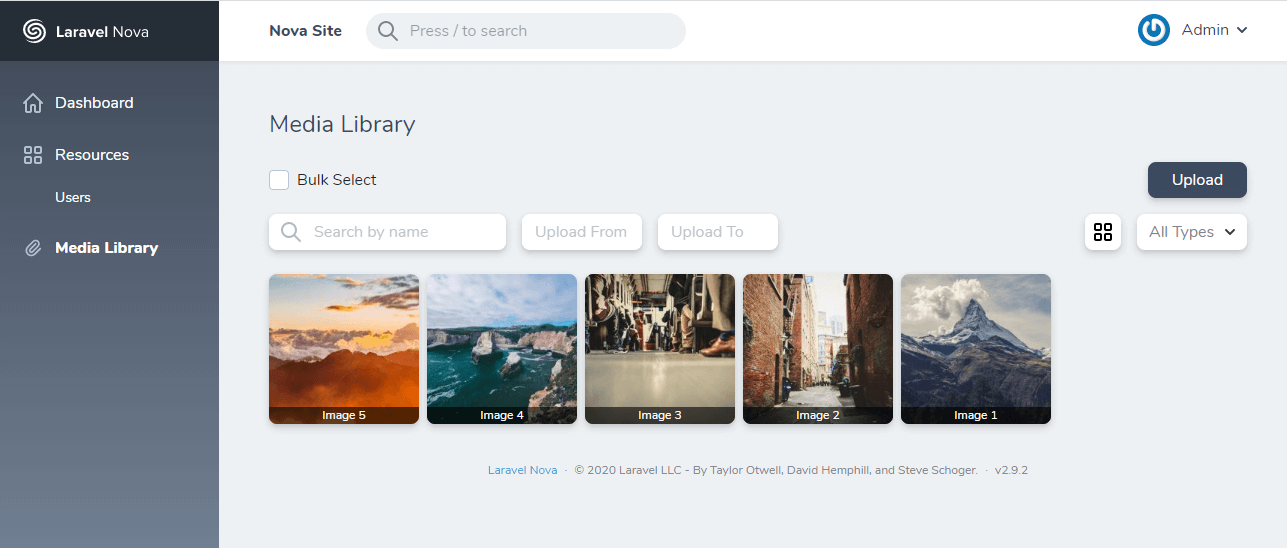
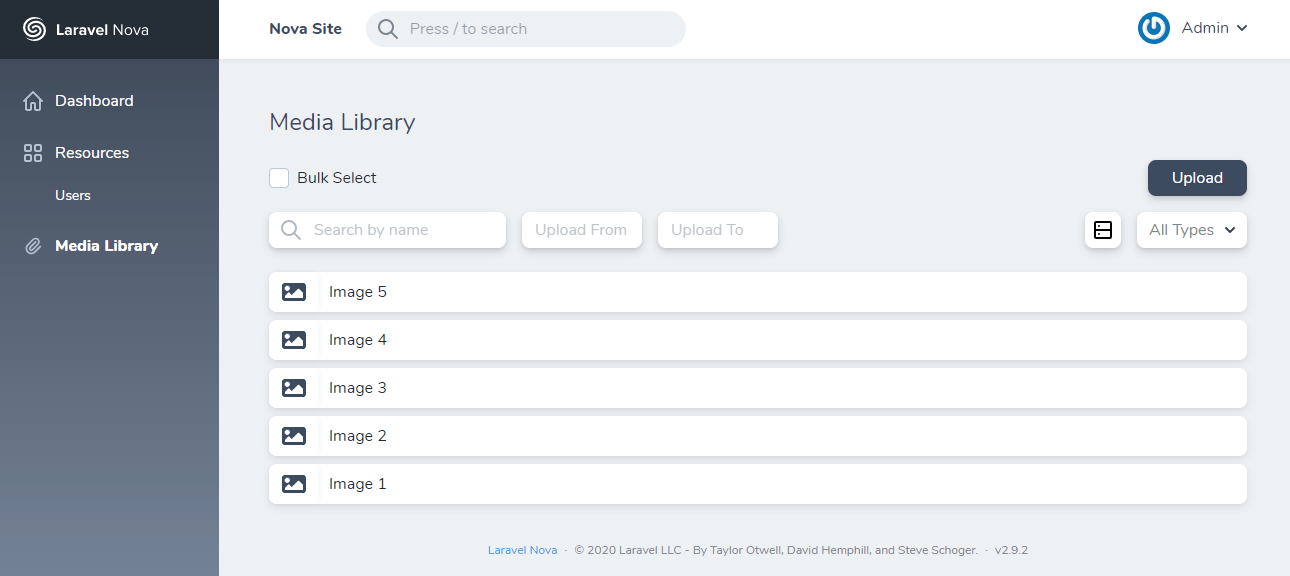
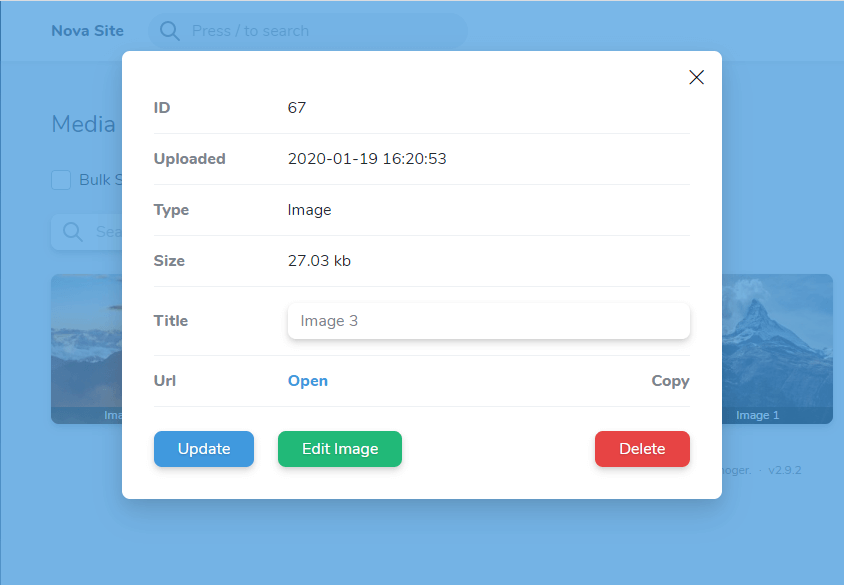
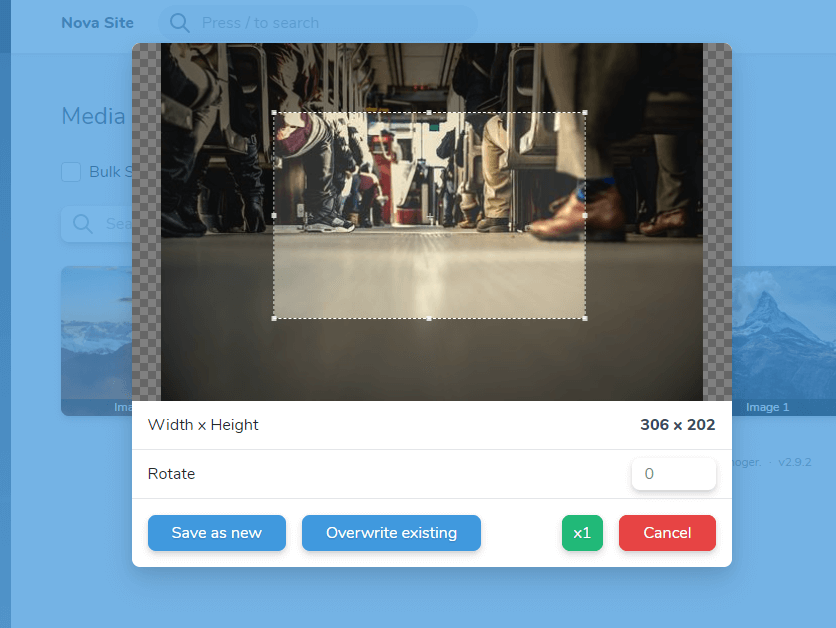
- Screenshots
Features
- Store and manage your media files
- Use field for single file
- Use field for array of files
- Upload files by url/path
- Integrate Media Field with Trix editor
- Implement custom JS callback for field
- Automatic resize image on the backend by width\height
- Cropping image on the frontend
- Ability to create image size variations
- Organize files in single folder, separate by date or by manageable folders
- Ability to control files visibility
Migration from 0.x to 1.x
In version 1.x, the configuration file and database migration have been changed.
After upgrading to version 1.x, you need to remove the old table from the database, then reinstall and reconfigure these files.
Requirements
- Laravel 5.8+
- Nova 2
- intervention/image package for image resizing (optional)
Install
composer require classic-o/nova-media-library

php artisan vendor:publish --provider="ClassicO\NovaMediaLibrary\ToolServiceProvider"

php artisan migrate

php artisan storage:link
Configuration
Usage
Add tool in app/Providers/NovaServiceProvider.php
public function tools()
{
    return [
        new \ClassicO\NovaMediaLibrary\NovaMediaLibrary()
    ];
}
Add Field to the resource.
use ClassicO\NovaMediaLibrary\MediaLibrary;

class Post extends Resource
{
    ...
     public function fields(Request $request)
        {
            return [
                ...
                MediaLibrary::make('Image'),
                ...
            ];
        }
    ...
}
Customization
By default, this field is used as single file. If you need to use as array of files, add option:
# Display
MediaLibrary::make('Gallery')
            ->array(),
By default this files display automatically, gallery or list as in tool.
You can set in first parameter needed display type:
MediaLibrary::make('Documents')
            ->array('list'),
When you use array, set the casts as array to needed column in model and set type nullable TEXT in database
For single file - nullable INT
If you want to hide files under the accordion, add the following option:
MediaLibrary::make('Gallery')
            ->array()
            ->hidden()
You can limit the selection of files by type (Labels of types from configuration file).
MediaLibrary::make('File')
            ->types(['Audio', 'Video'])
To set preview size of images in fields, add the following option (Label of cropped additional image variation)
By default, the preview size is set in the configuration file.
MediaLibrary::make('File')
            ->preview('thumb')
You can also integrate the Media Field with the Trix editor.
You need to set a unique name in the trix option and add an additional attribute with the same name in the Trix field:
MediaLibrary::make('For Trix')
            ->trix('unique_trix_name'),

Trix::make('Content')
    ->withMeta([ 'extraAttributes' => [ 'nml-trix' => 'unique_trix_name' ] ])
For set a custom callback for the Media Field, use the method jsCallback.
- The first parameter set as the name of the JS function callback.
- The second (optional) is an array of advanced options
MediaLibrary::make('JS Callback')
	        ->jsCallback('callbackName', [ 'example' => 'Nova' ]),
Your JavaScript callback should have 2 parameters. The first will be an array of files, second - your options.
window.callbackName = function (array, options) {
  console.log(array, options);
}
When you use JS Callback or Trix option two or more times on one resource, set second parameter of make method to any unique name
MediaLibrary::make('JS Callback', 'js_cb_name_1')
	        ->jsCallback('callbackName', [ 'example' => 'Nova' ]),
MediaLibrary::make('Trix Field', 'trix_name_1')
	        ->trix('unique_trix_name'),
Upload by url or path
Also you can programmatically add files to the media library by url or path.
use \ClassicO\NovaMediaLibrary\API;

$result = API::upload('https://pay.google.com/about/static/images/social/og_image.jpg');
If upload done successfully, function return instance of model.
If an error occurred while loading, function will throw exception.
Exceptions (code => text):
0 - The file was not downloaded for unknown reasons
1 - Forbidden file format
2 - File size limit exceeded
Get files by ids
In your model stores only id of file(s). To get files, use the API class method:
$files = API::getFiles($ids, $imgSize = null, $object = false);

# First parameter - id or array of ids
# Second - if you want to get images by size variation, write label of size
# Third - by default function return array of urls. If you want to get full data of files - set true (returns object / array of objects)
Private files
When you use local storage or s3 (with private visibility), you can't get files by url.
To get file, you need to create a GET Route with the name nml-private-file with parameter id and optional img_size. In controller add validation user access.
If access is allowed, you can get file by API method:
... Verifying access

$file = API::getFiles($id, null, true);
return API::getPrivateFile($file->path, request('img_size'))
Localization
To translate this tool another language, you need to add the translation file /resources/lang/vendor/nova-media-library/{lang}.json by adding phrases from en.json
Screenshots
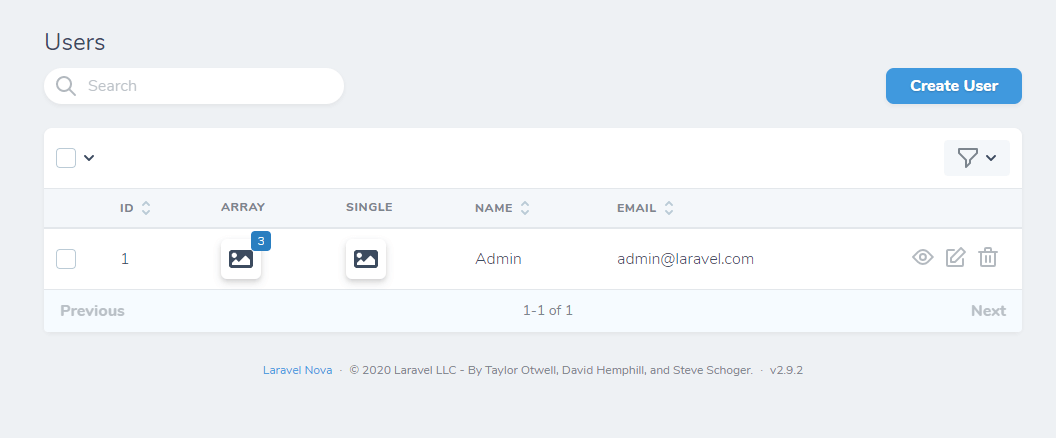
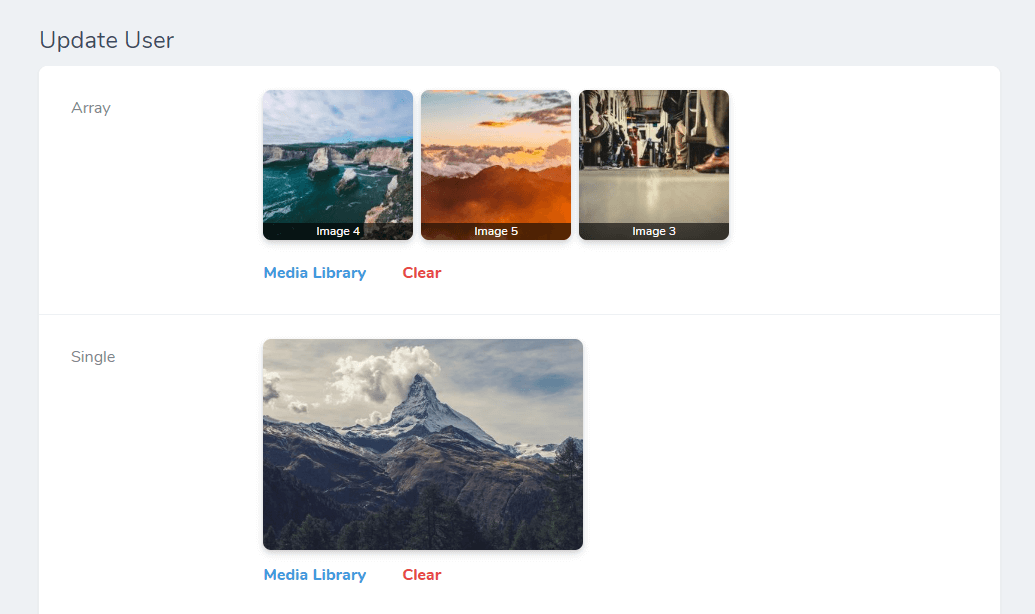
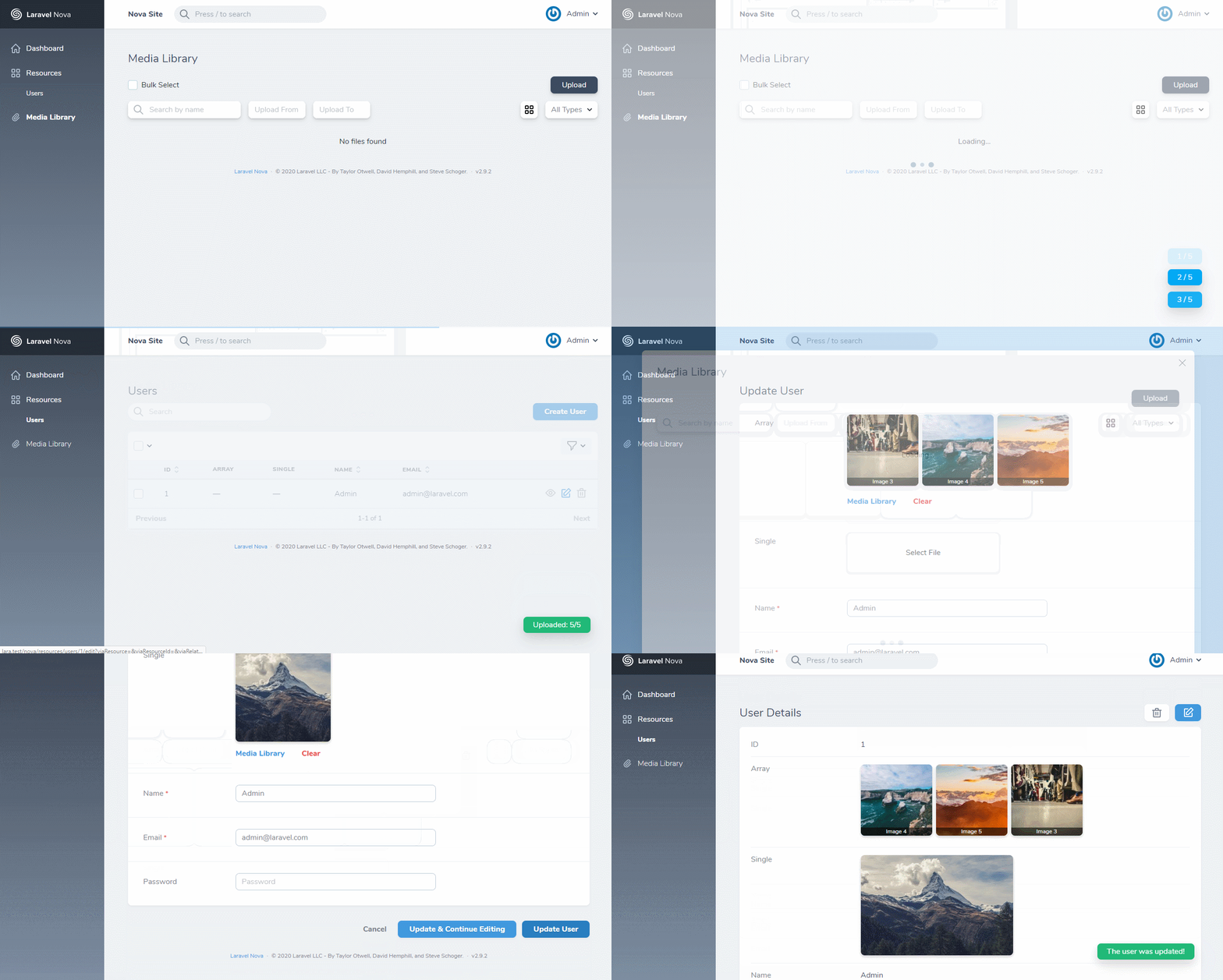
slimad/nova-media-library 适用场景与选型建议
slimad/nova-media-library 是一款 基于 PHP 开发的 Composer 扩展包,目前已累计 197 次下载、GitHub Stars 达 0, 最近一次更新时间为 2025 年 02 月 25 日, 在 PHP 生态内属于活跃度较高的组件。
它主要适用于以下技术方向: 「media」 「nova」 「laravel」 「gallery」 等业务场景。在实际项目中,围绕这些方向常见需要落地的问题包括:接口对接、性能调优、并发安全、与既有框架(Laravel / ThinkPHP / Yii / Webman 等)的兼容适配,以及生产环境的日志埋点与稳定性保障。
我们在过去多个企业项目中使用过 slimad/nova-media-library 或与其功能相近的方案,如果你在选型或落地过程中遇到问题,例如 版本兼容、二次改造、私有化封装、与内部系统对接、生产 BUG 排查,欢迎联系我们协助评估。
基于 slimad/nova-media-library 在你已有业务上做功能扩展、字段裁剪、UI 适配、与内部账号 / 权限 / 日志系统的深度对接。
线上偶发问题、内存泄漏、慢查询、并发异常等排查修复;针对高流量场景做缓存、队列、索引层面的调优。
承接完整的项目从需求 → 设计 → 开发 → 上线 → 长期运维;也可按月提供技术保姆服务。
与 slimad/nova-media-library 相关的其它包
同方向 / 同关键字的高下载量 PHP Composer 包推荐,方便对比选型:
A Laravel Nova card that shows you your system information.
A Laravel Nova card.
Simple Sharing generates social media share links within CP entry pages, allowing you to quickly & easily share entries.
A Laravel Nova package for publishable fields
A Laravel Nova package for translatable fields
A Laravel Nova Image field. you can paste or drag or chose an image
统计信息
- 总下载量: 197
- 月度下载量: 0
- 日度下载量: 0
- 收藏数: 0
- 点击次数: 11
- 依赖项目数: 0
- 推荐数: 0
其他信息
- 授权协议: MIT
- 更新时间: 2025-02-25