tomatophp/filament-invoices
Composer 安装命令:
composer require tomatophp/filament-invoices
包简介
Generate and manage your invoices / payments using multi currencies and multi types in FilamentPHP
README 文档
README
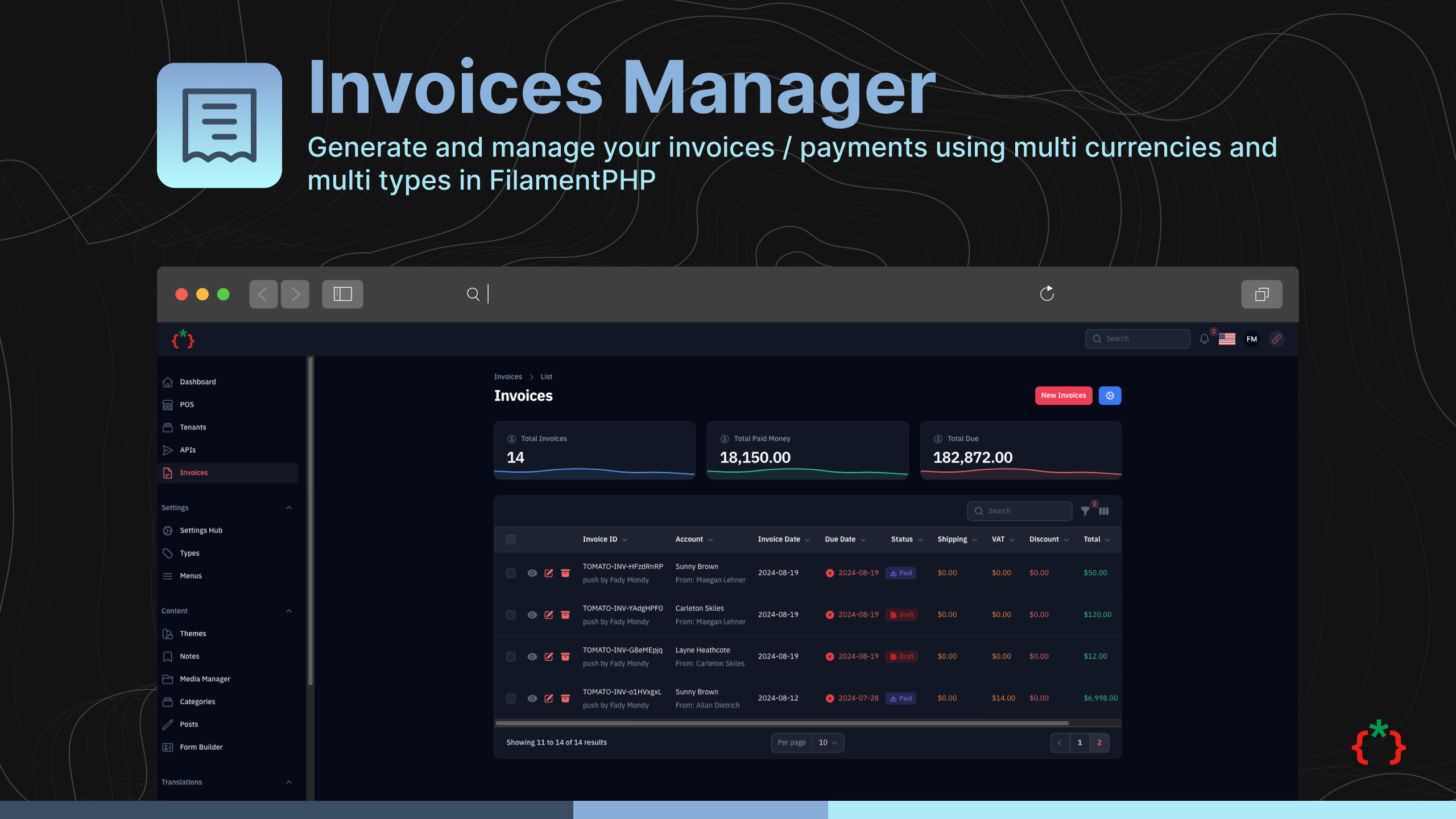
Filament Invoices Manager
Generate and manage your invoices / payments using multi currencies and multi types in FilamentPHP
Features
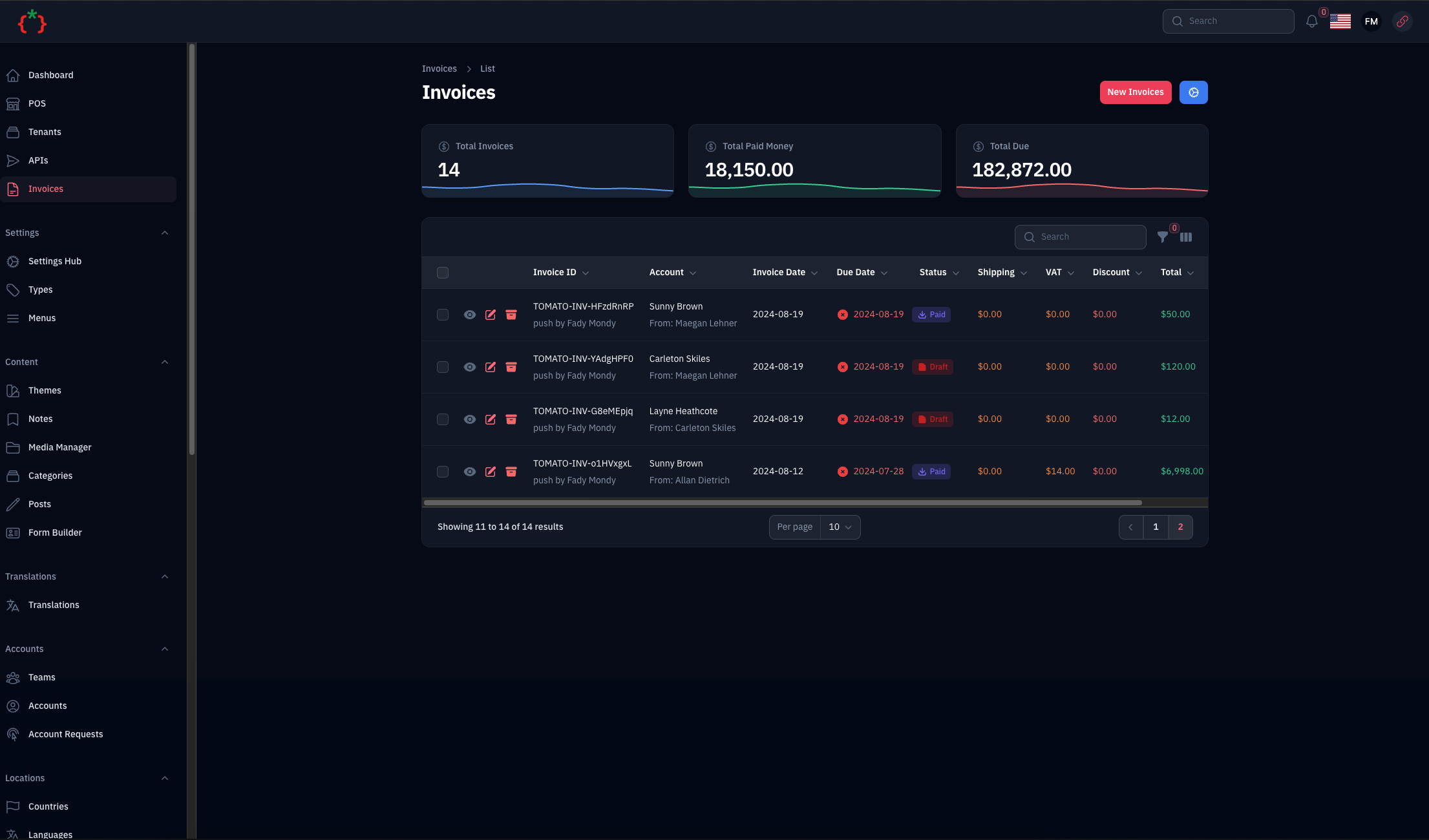
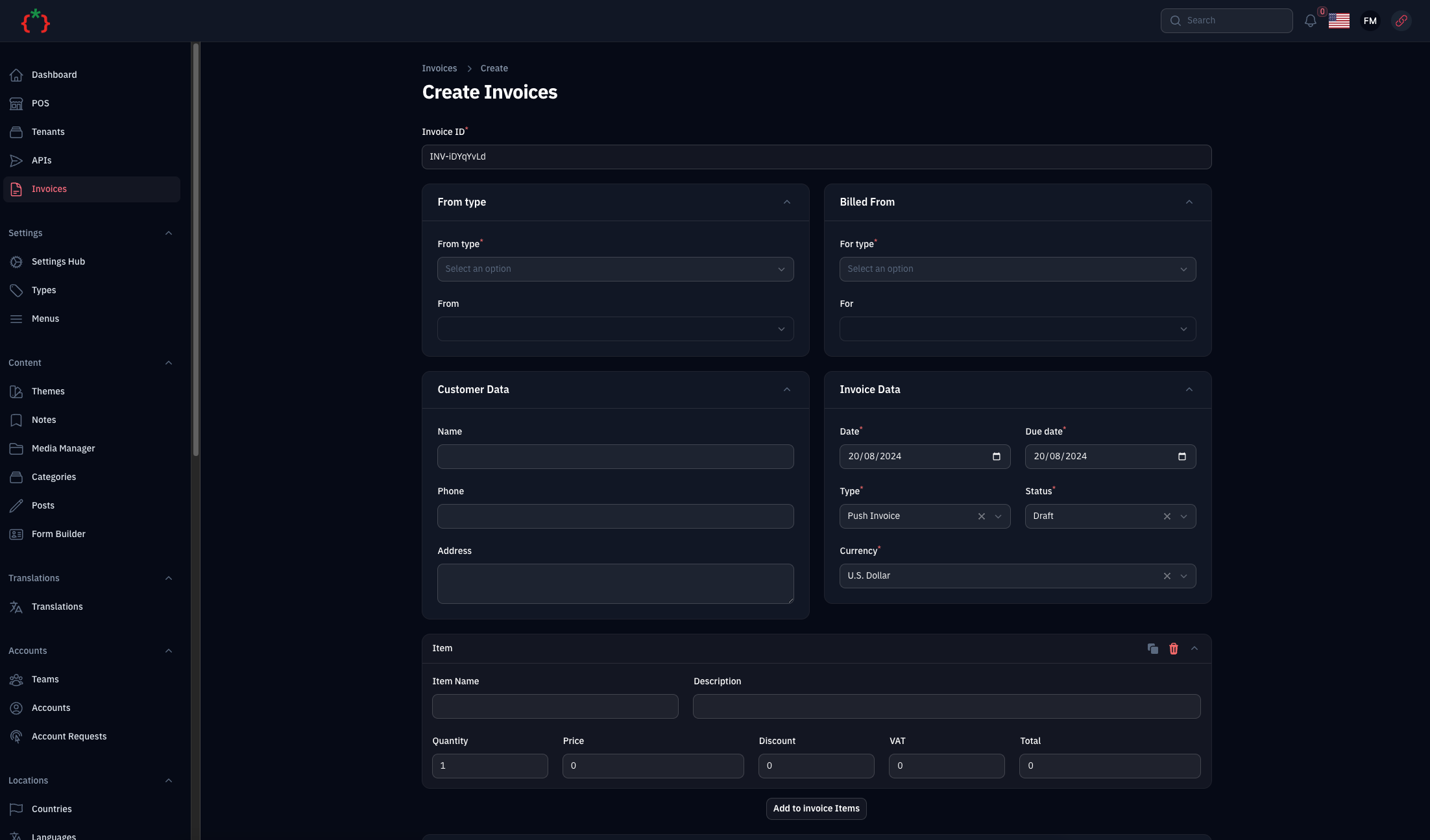
- Generate Invoices
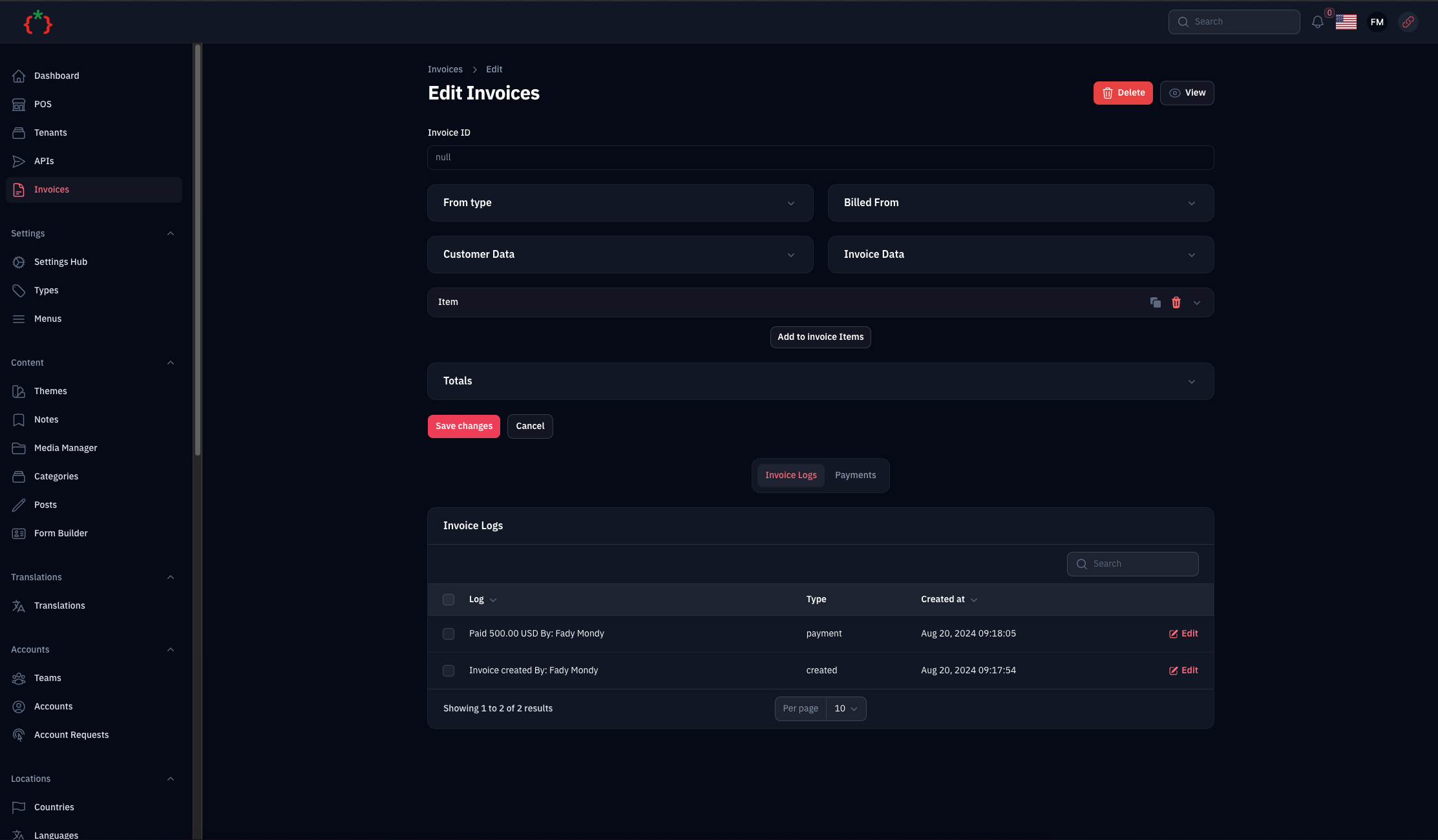
- Manage Invoices
- Print Invoices
- Invoices Facade Class
- Invoices Morph From/For
- Invoices Payments
- Support Multi Type
- Support Multi Currency
- Support Multi Status
- Status Manager
- Invoices Widgets
- Send Invoice via Email (with PDF attachment)
- Export Invoice as PDF (DomPDF)
- Invoice Templates (5 built-in templates, extensible via Factory Pattern)
- Invoice Settings (Settings Hub integration)
- Print Pay Slip for Payments
Screenshots
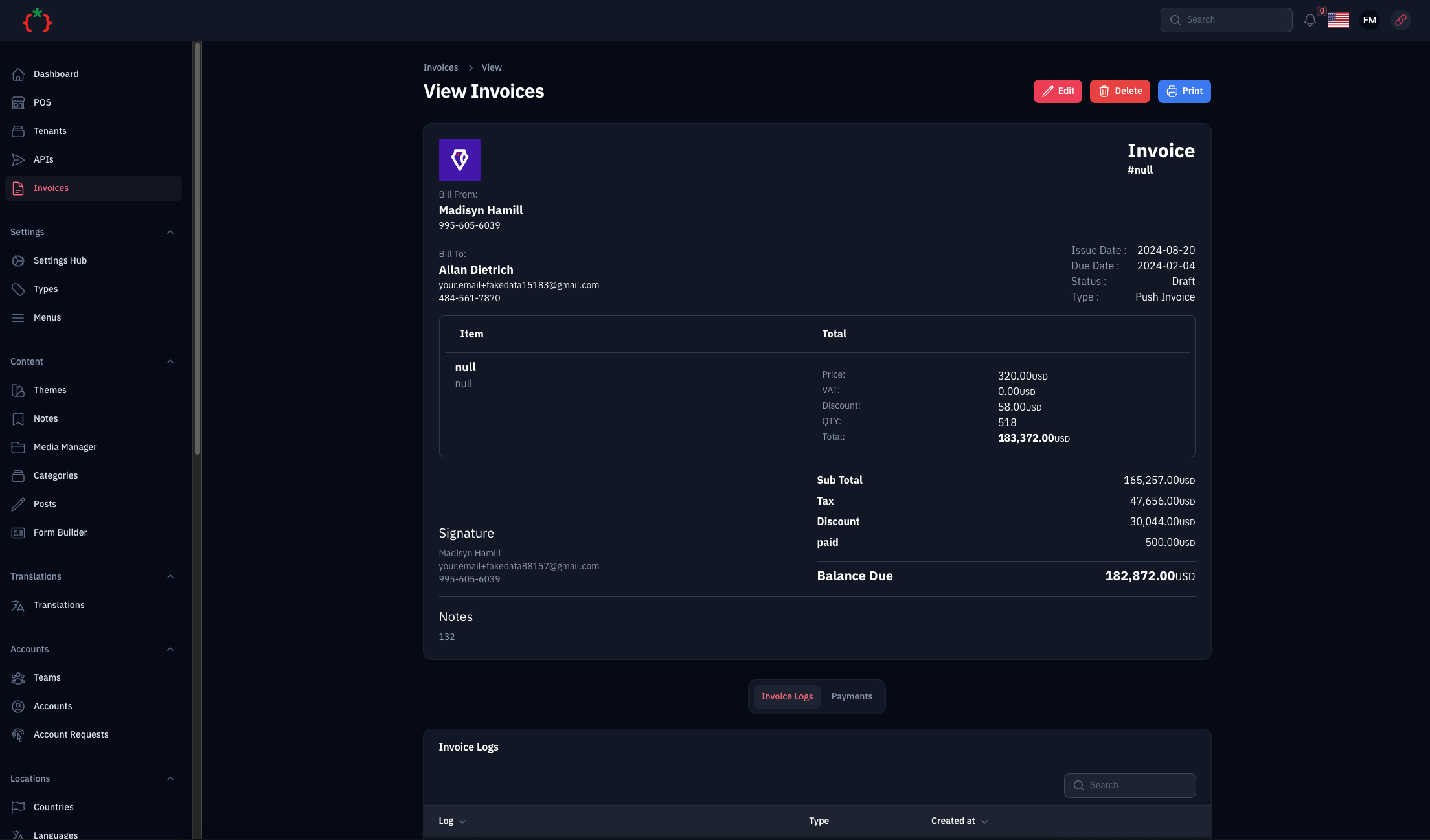
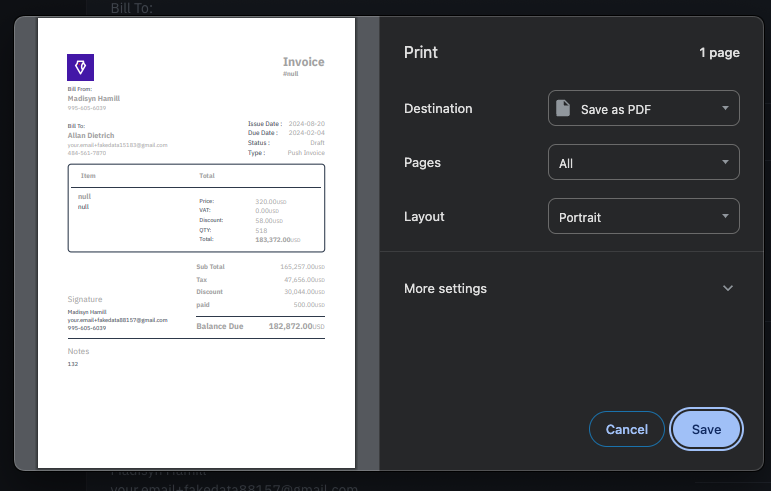
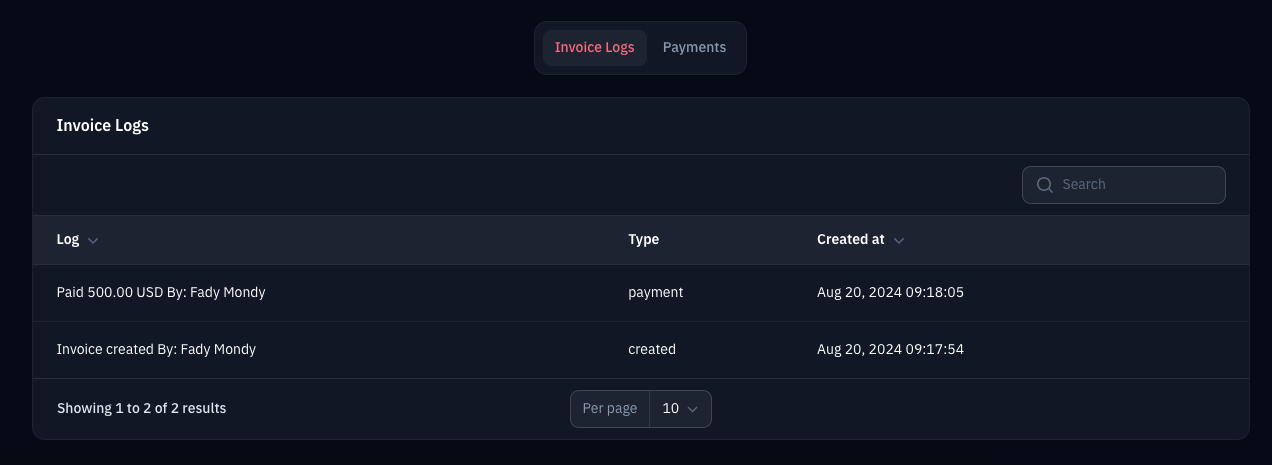
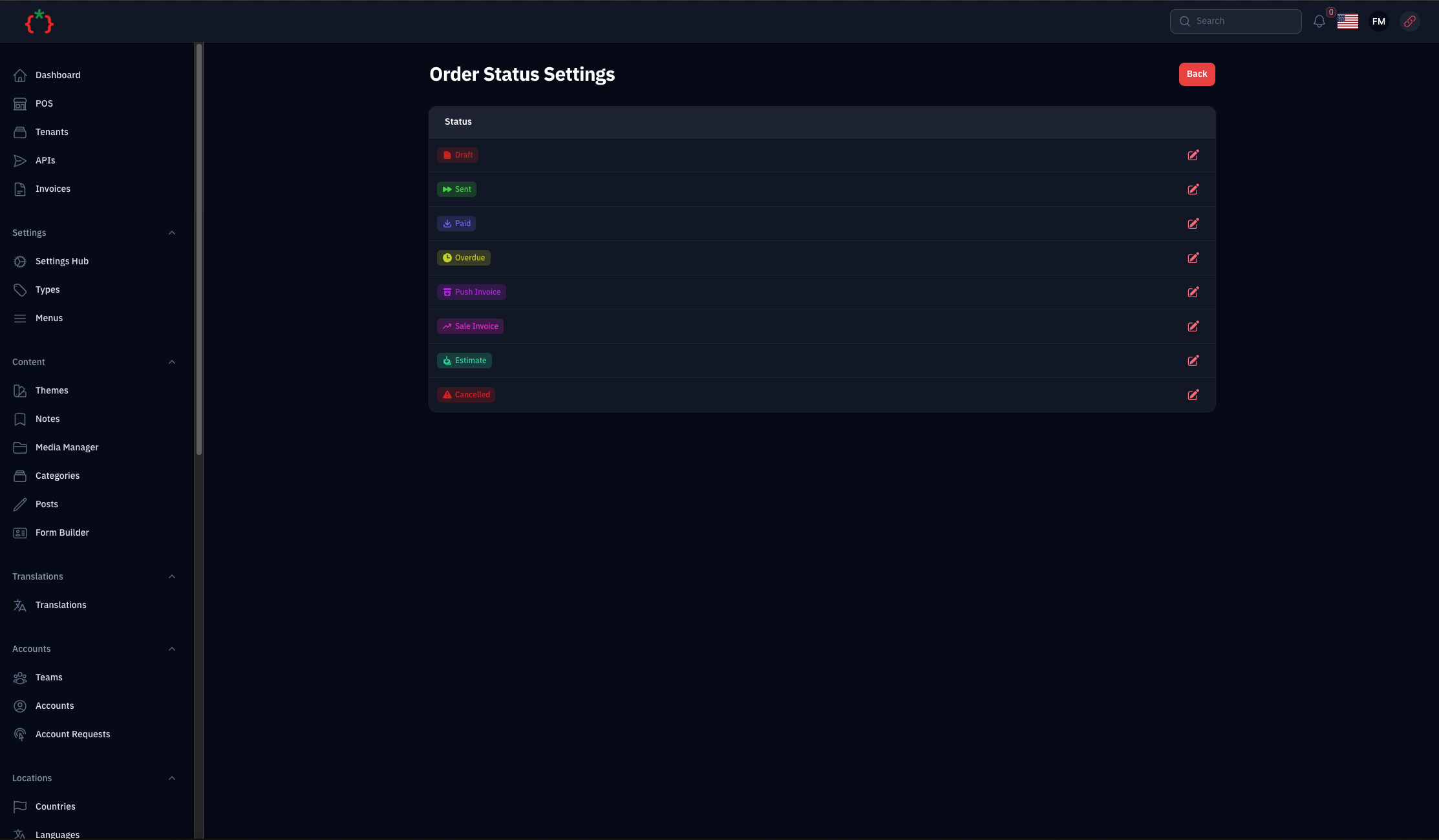
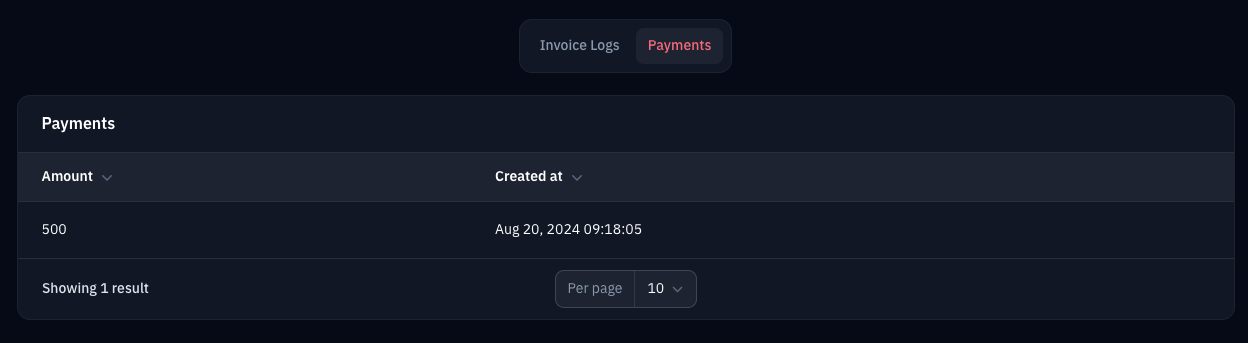
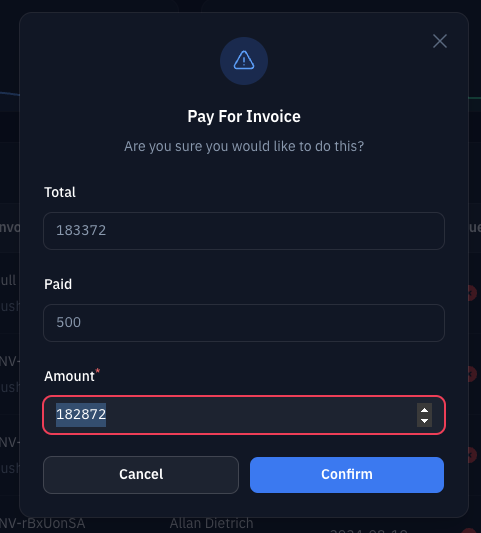
Installation
composer require tomatophp/filament-invoices
after install your package please run this command
php artisan filament-invoices:install
finally register the plugin on /app/Providers/Filament/AdminPanelProvider.php
->plugin(\TomatoPHP\FilamentInvoices\FilamentInvoicesPlugin::make())
Enable Settings Hub
To enable the Invoice Settings page in the Settings Hub, use the useSettingsHub() method:
->plugin(
    \TomatoPHP\FilamentInvoices\FilamentInvoicesPlugin::make()
        ->useSettingsHub()
)
Don't forget to publish the settings migration:
php artisan vendor:publish --tag="filament-invoices-settings-migrations"
php artisan migrate
Using
to start use this plugin you need to allow 2 types of users or table to fill the invoices from / for after you prepare your models use this Facade class like this on your AppServiceProvider or any other service provider
use TomatoPHP\FilamentInvoices\Facades\FilamentInvoices;
use TomatoPHP\FilamentInvoices\Services\Contracts\InvoiceFor;
use TomatoPHP\FilamentInvoices\Services\Contracts\InvoiceFrom;

public function boot()
{
    FilamentInvoices::registerFor([
        InvoiceFor::make(Account::class)
            ->label('Account')
    ]);
    FilamentInvoices::registerFrom([
        InvoiceFrom::make(Company::class)
            ->label('Company')
    ]);
}
after that you can use the plugin on your filament admin panel
Invoice Templates
The package comes with 5 built-in invoice templates:
- Classic - Traditional professional invoice layout
- Modern - Contemporary design with gradient header
- Minimal - Clean and simple design
- Professional - Business-oriented with sidebar
- Creative - Bold and colorful design
Register Custom Templates
You can register your own templates using the Factory pattern:
use TomatoPHP\FilamentInvoices\Services\Templates\TemplateFactory;
use TomatoPHP\FilamentInvoices\Contracts\InvoiceTemplateInterface;

// In your service provider boot method
TemplateFactory::register('my-custom', MyCustomTemplate::class);
Your custom template class must implement InvoiceTemplateInterface:
use TomatoPHP\FilamentInvoices\Contracts\InvoiceTemplateInterface;
use TomatoPHP\FilamentInvoices\Services\Templates\AbstractTemplate;

class MyCustomTemplate extends AbstractTemplate
{
    public function getName(): string
    {
        return 'my-custom';
    }

    public function getLabel(): string
    {
        return 'My Custom Template';
    }

    public function getDescription(): string
    {
        return 'A custom invoice template';
    }

    public function getViewPath(): string
    {
        return 'my-package::templates.custom';
    }
}
Export Invoice as PDF
You can export invoices as PDF from:
- The invoice view page (Export PDF button)
- The invoices table (row action)
- Bulk export multiple invoices as ZIP
Programmatic PDF Generation
use TomatoPHP\FilamentInvoices\Services\PdfGenerator;

$pdfGenerator = app(PdfGenerator::class);

// Generate PDF content
$pdfContent = $pdfGenerator->generate($invoice, 'modern');

// Stream to browser
return $pdfGenerator->stream($invoice, 'classic');

// Download file
return $pdfGenerator->download($invoice, 'professional');
Send Invoice via Email
Send invoices via email with PDF attachment from:
- The invoice view page (Send Email button)
- The invoices table (row action)
- Bulk send to multiple invoices
Email settings can be configured in the Invoice Settings page, including:
- Default email subject and body templates
- CC/BCC addresses
- From name and email
Available Placeholders
Use these placeholders in email subject and body:
{uuid}- Invoice number{company_name}- Your company name{customer_name}- Customer name{total}- Invoice total amount{currency}- Currency code{due_date}- Due date
Programmatic Email Sending
use TomatoPHP\FilamentInvoices\Mail\InvoiceMail;
use Illuminate\Support\Facades\Mail;

Mail::to('customer@example.com')->send(new InvoiceMail(
    invoice: $invoice,
    template: 'modern',
    cc: 'accounts@company.com',
    subject: 'Your Invoice #{uuid}',
    body: 'Dear {customer_name}, please find your invoice attached.'
));
Invoice Settings
The Invoice Settings page (accessible via Settings Hub when enabled) allows you to configure:
Company Information
- Company name, logo, address
- Phone, email, tax ID
Default Settings
- Default currency
- Default tax rate
- Default payment terms (days)
Email Configuration
- From name and email
- Email subject and body templates
- CC/BCC addresses
PDF Options
- Default template
- Paper size (A4, Letter, Legal)
- Terms and conditions text
Use Facade Class To Create Invoice
you can use this Facade class to create invoice like this
\TomatoPHP\FilamentInvoices\Facades\FilamentInvoices::create()
    ->for(\App\Models\Account::find(1))
    ->from(\App\Models\Account::find(2))
    ->dueDate(now()->addDays(7))
    ->date(now())
    ->items([
        \TomatoPHP\FilamentInvoices\Services\Contracts\InvoiceItem::make('Item 1')
            ->description('Description 1')
            ->qty(2)
            ->price(100),
        \TomatoPHP\FilamentInvoices\Services\Contracts\InvoiceItem::make('Item 2')
            ->description('Description 2')
            ->qty(1)
            ->discount(10)
            ->vat(10)
            ->price(200),
    ])->save();
Publish Assets
you can publish config file by use this command
php artisan vendor:publish --tag="filament-invoices-config"
you can publish views file by use this command
php artisan vendor:publish --tag="filament-invoices-views"
you can publish languages file by use this command
php artisan vendor:publish --tag="filament-invoices-lang"
you can publish migrations file by use this command
php artisan vendor:publish --tag="filament-invoices-migrations"
Other Filament Packages
Checkout our Awesome TomatoPHP
tomatophp/filament-invoices 适用场景与选型建议
tomatophp/filament-invoices 是一款 基于 PHP 开发的 Composer 扩展包,目前已累计 4.05k 次下载、GitHub Stars 达 103, 最近一次更新时间为 2024 年 05 月 09 日, 在 PHP 生态内属于活跃度较高的组件。
它主要适用于以下技术方向: 「php」 「payments」 「laravel」 「invoices」 「filament」 「filament-plugin」 等业务场景。在实际项目中,围绕这些方向常见需要落地的问题包括:接口对接、性能调优、并发安全、与既有框架(Laravel / ThinkPHP / Yii / Webman 等)的兼容适配,以及生产环境的日志埋点与稳定性保障。
我们在过去多个企业项目中使用过 tomatophp/filament-invoices 或与其功能相近的方案,如果你在选型或落地过程中遇到问题,例如 版本兼容、二次改造、私有化封装、与内部系统对接、生产 BUG 排查,欢迎联系我们协助评估。
基于 tomatophp/filament-invoices 在你已有业务上做功能扩展、字段裁剪、UI 适配、与内部账号 / 权限 / 日志系统的深度对接。
线上偶发问题、内存泄漏、慢查询、并发异常等排查修复;针对高流量场景做缓存、队列、索引层面的调优。
承接完整的项目从需求 → 设计 → 开发 → 上线 → 长期运维;也可按月提供技术保姆服务。
与 tomatophp/filament-invoices 相关的其它包
同方向 / 同关键字的高下载量 PHP Composer 包推荐,方便对比选型:
Dealing with payments through the Egyptian payment gateway PayMob
Librería para la gestión sencilla de pagos mediante TPV Redsys y Paypal
Alfabank REST API integration
Scanpay module for Magento 2
Zero-dependency raw PHP DNS resolver, domain-ownership verification, and intoDNS/MxToolbox-style diagnostics. Queries authoritative nameservers directly over sockets — never trusts the recursive cache for ownership checks.
Laravel package for Accurate Online API integration.
统计信息
- 总下载量: 4.05k
- 月度下载量: 0
- 日度下载量: 0
- 收藏数: 103
- 点击次数: 19
- 依赖项目数: 0
- 推荐数: 0
其他信息
- 授权协议: MIT
- 更新时间: 2024-05-09