tomatophp/filament-media-manager
Composer 安装命令:
composer require tomatophp/filament-media-manager
包简介
Manage your media files using spatie media library with easy to use GUI for FilamentPHP
README 文档
README
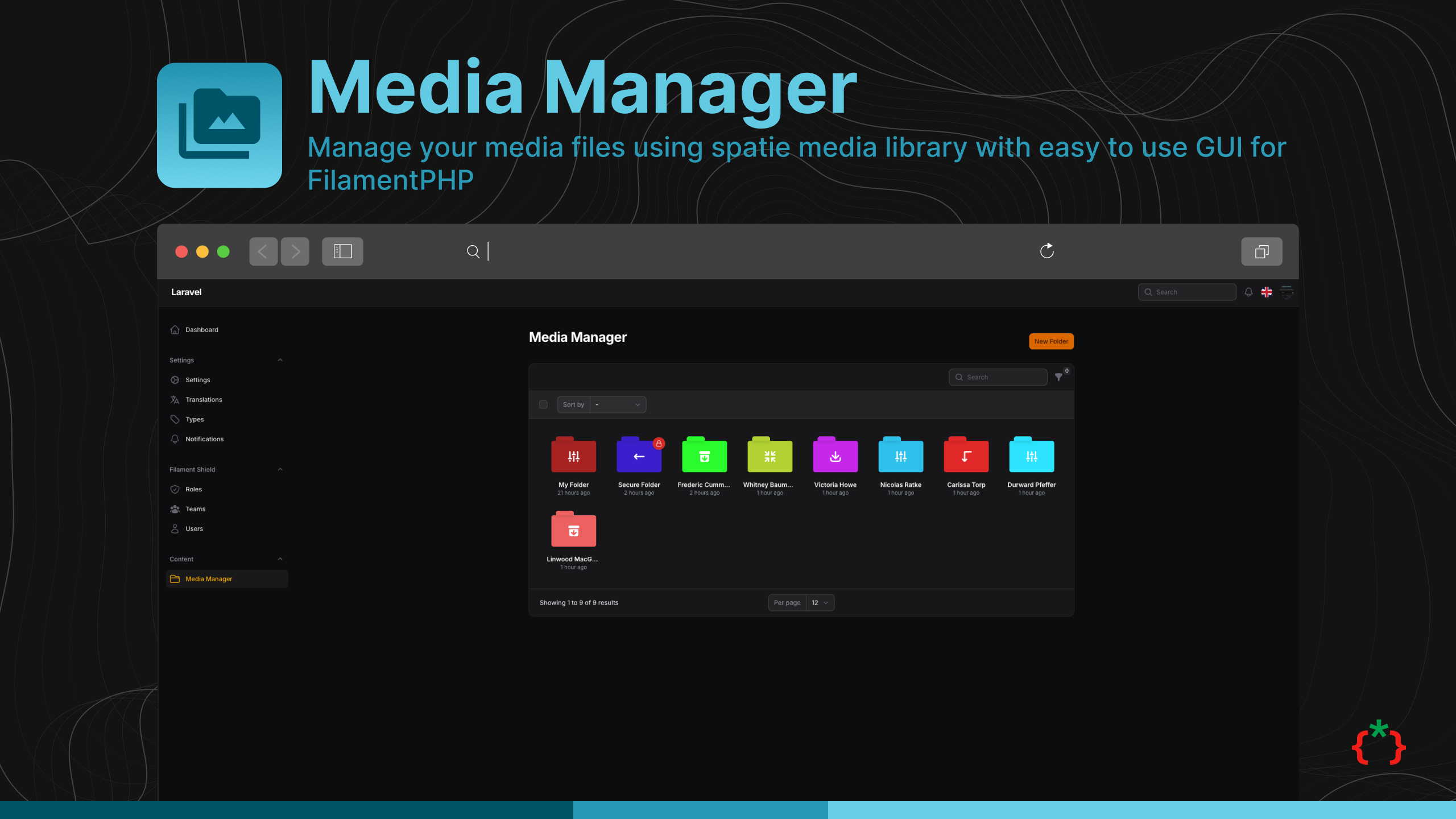
Filament media manager


Manage your media files using spatie media library with easy to use GUI for FilamentPHP
Installation
composer require tomatophp/filament-media-manager
now you need to publish media migration
php artisan vendor:publish --provider="Spatie\MediaLibrary\MediaLibraryServiceProvider" --tag="medialibrary-migrations"
after installing your package, please run this command
php artisan filament-media-manager:install
finally, register the plugin on /app/Providers/Filament/AdminPanelProvider.php, if you like to use GUI and Folder Browser.
->plugin(
    \TomatoPHP\FilamentMediaManager\FilamentMediaManagerPlugin::make()
        ->allowSubFolders()
        ->navigationGroup()
        ->navigationIcon()
        ->navigationLabel()
)
Features
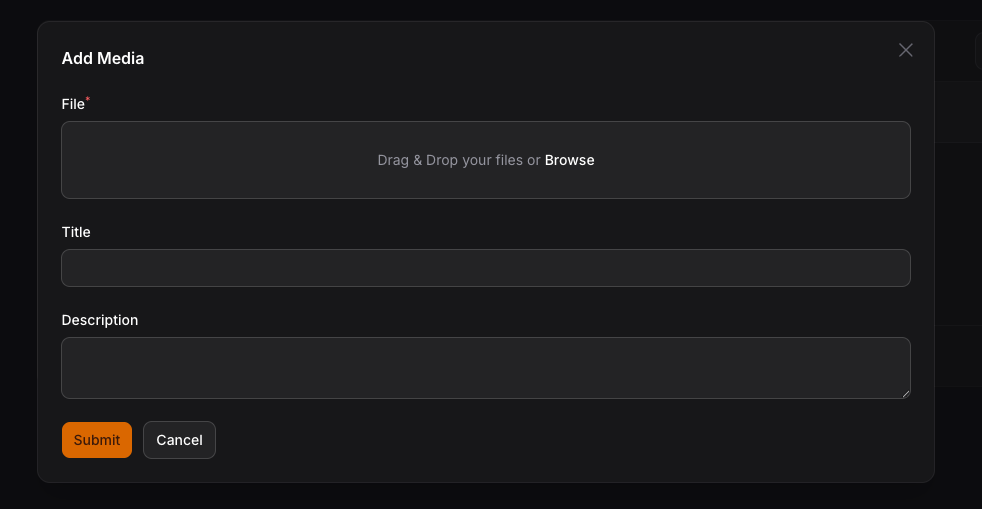
- 📁 Manage your media files using spatie media library
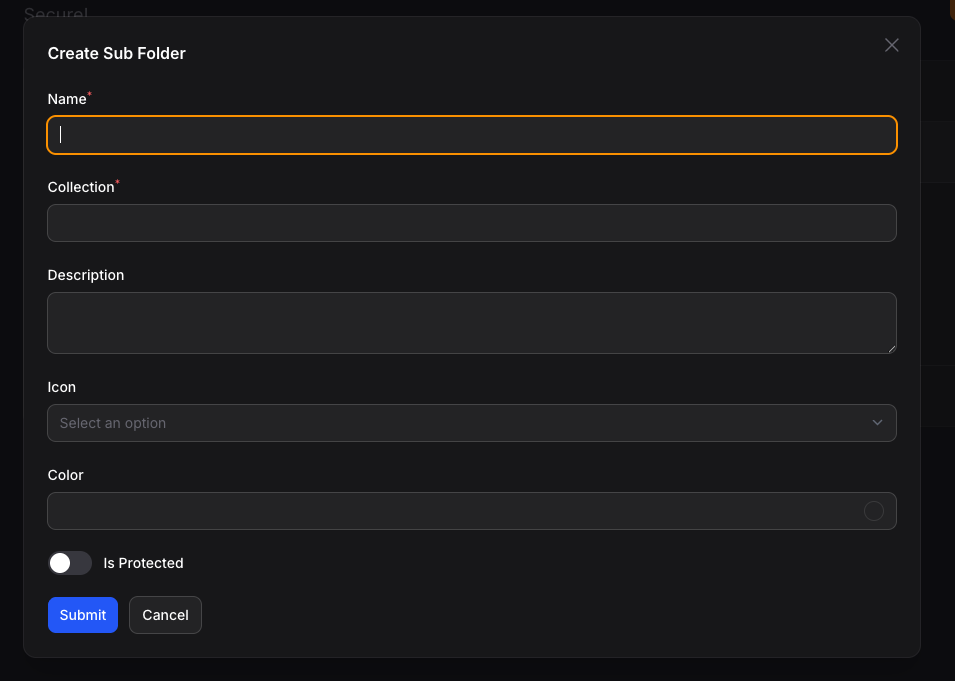
- 📂 Create folders and subfolders
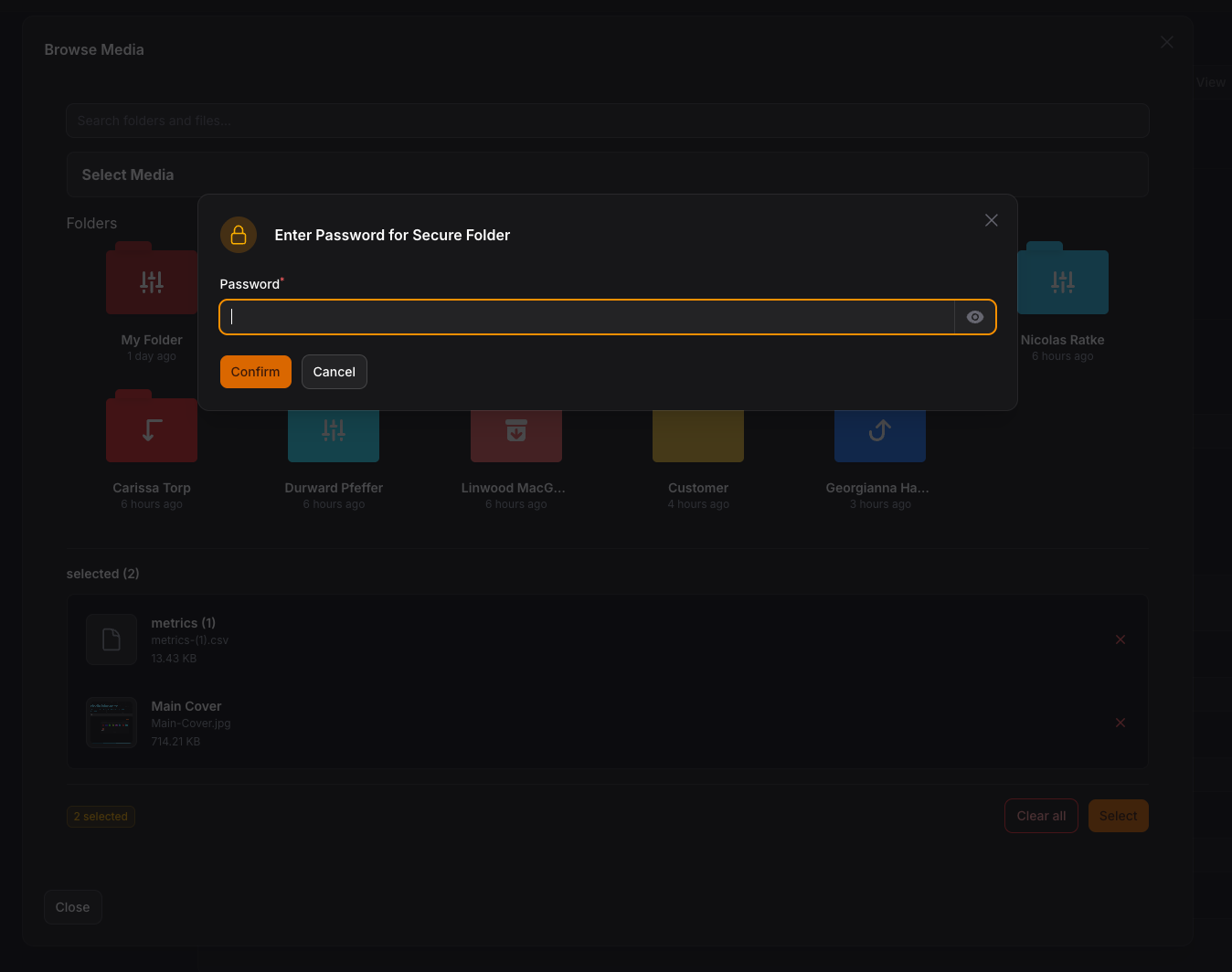
- 🔒 Set password for folders with secure access
- 📝 Upload Files with Custom Fields using
->schema() - 🤖 Auto Create Folders for Model/Collection/Record
- 🌍 RTL/Multi Language Support
- 🎨 Full Dark Mode Support
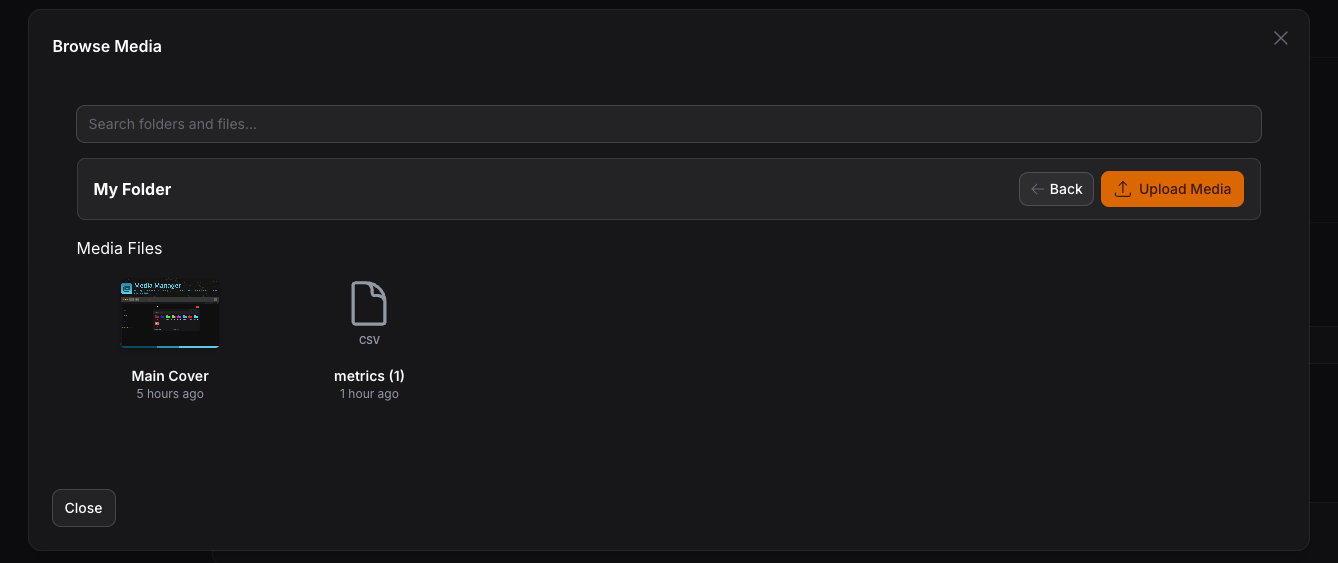
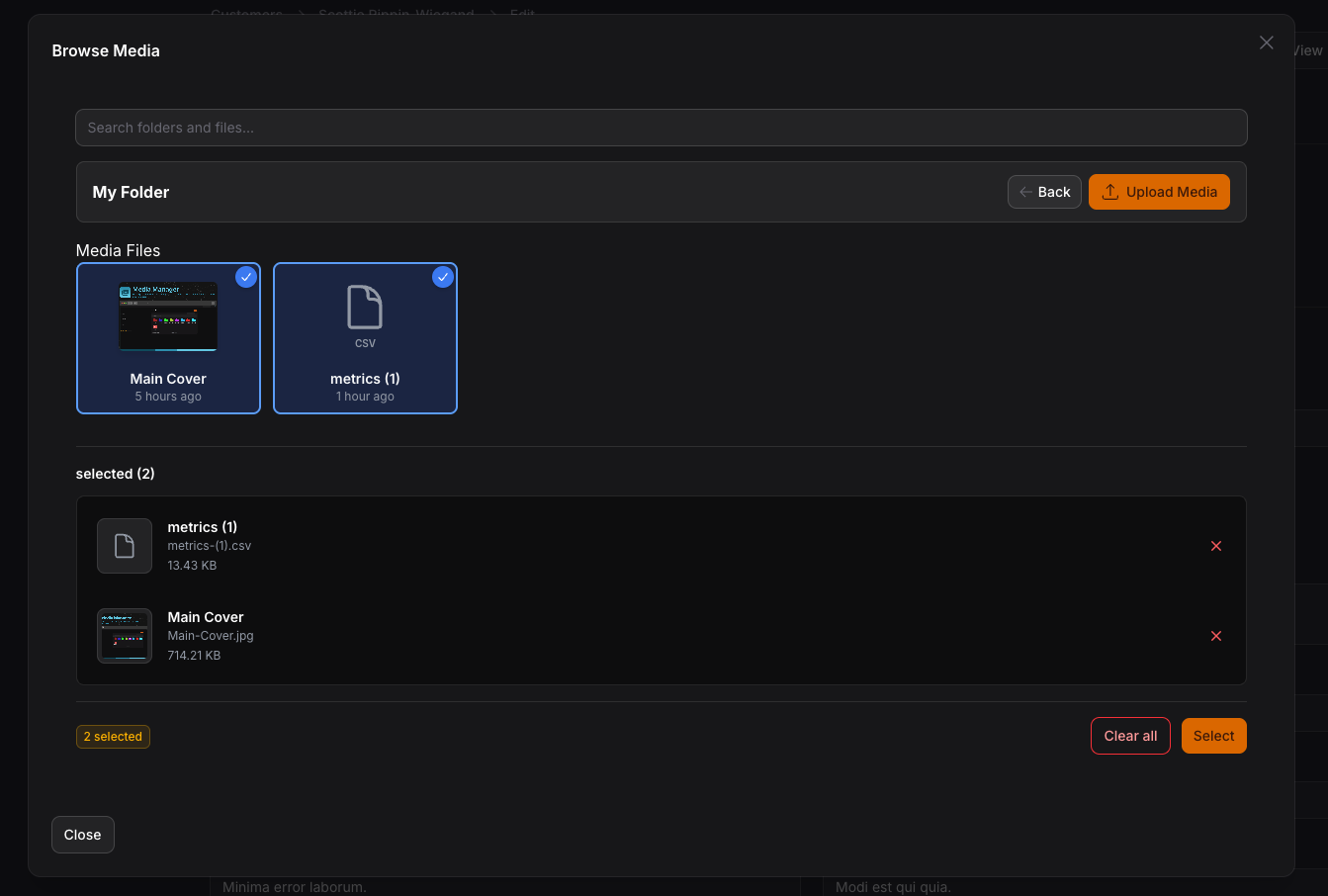
- 🖼️ MediaManagerPicker - Browse and select media from folder structure
- ⚡ MediaManagerInput - Direct file upload with Spatie Media Library
- 🔧 InteractsWithMediaManager Trait - Easy model integration
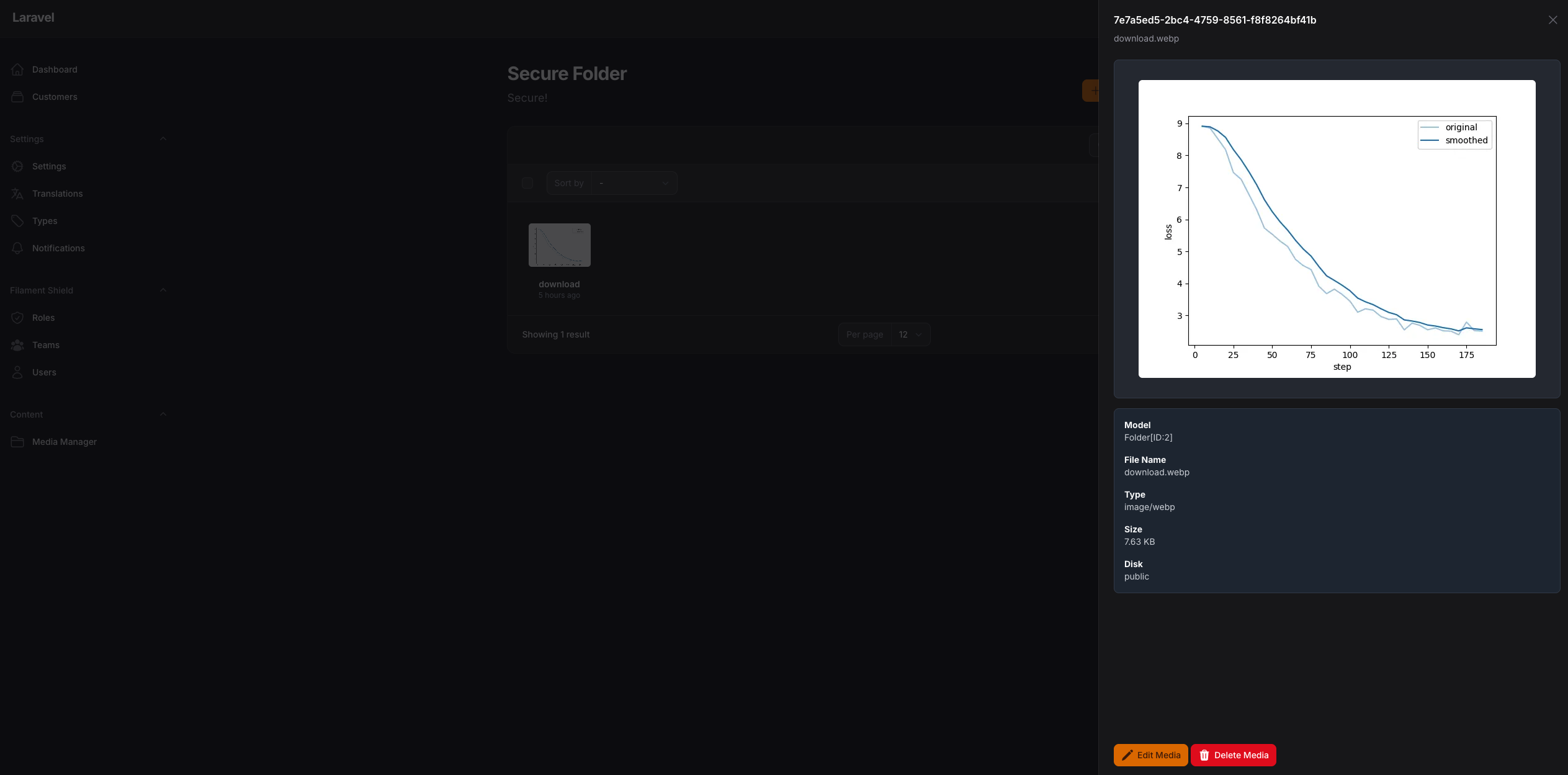
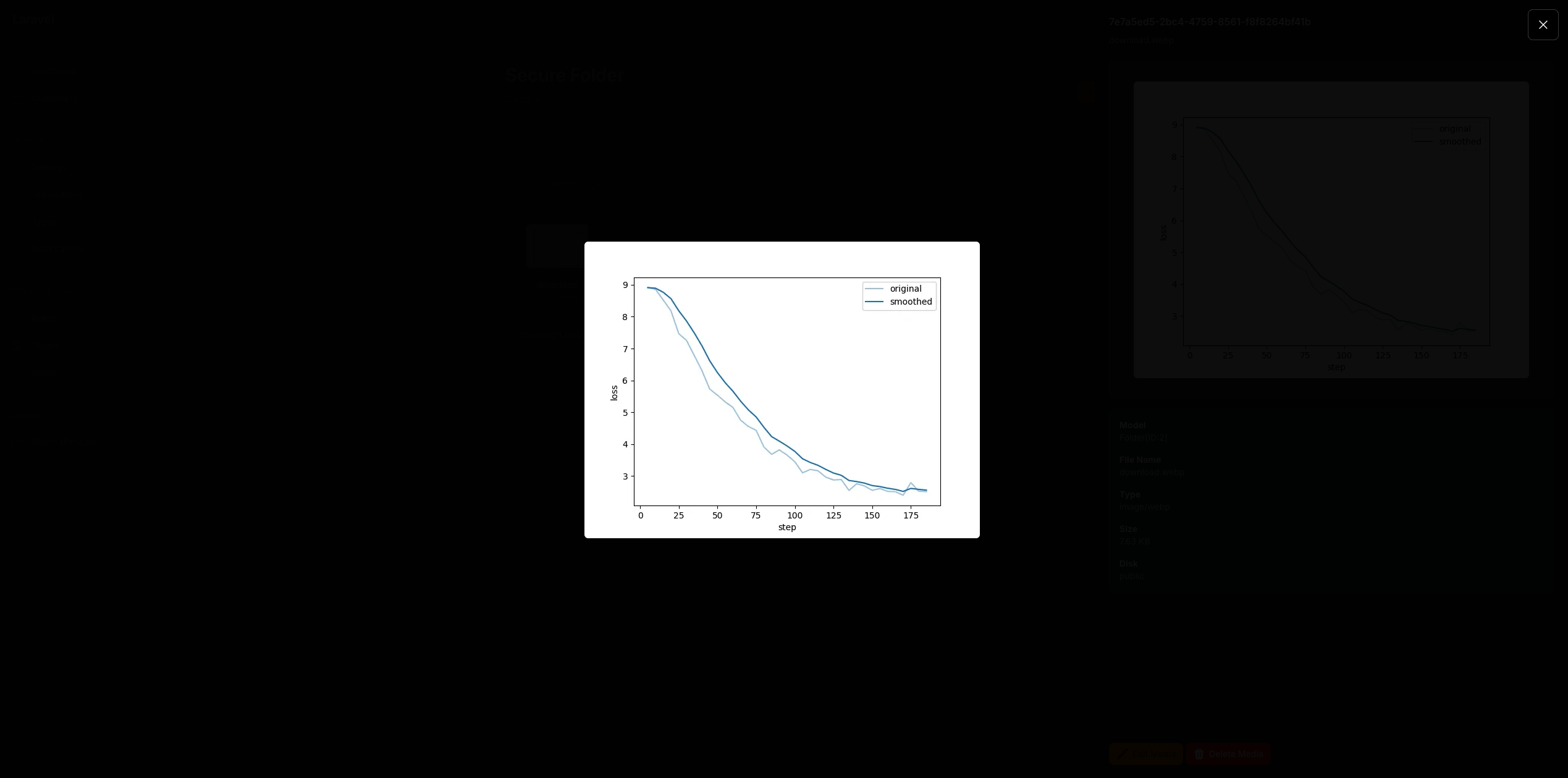
- 📊 Live Preview with thumbnails and file information
- ✅ Selection validation (min/max items)
- 🔄 Auto-save and modal management
- 🏷️ Collection Names - Multiple pickers on same page with separate collections
- 📱 Responsive Images - Automatic responsive image generation with Spatie
- 🎯 Drag & Drop Reordering - Visual reordering of selected media
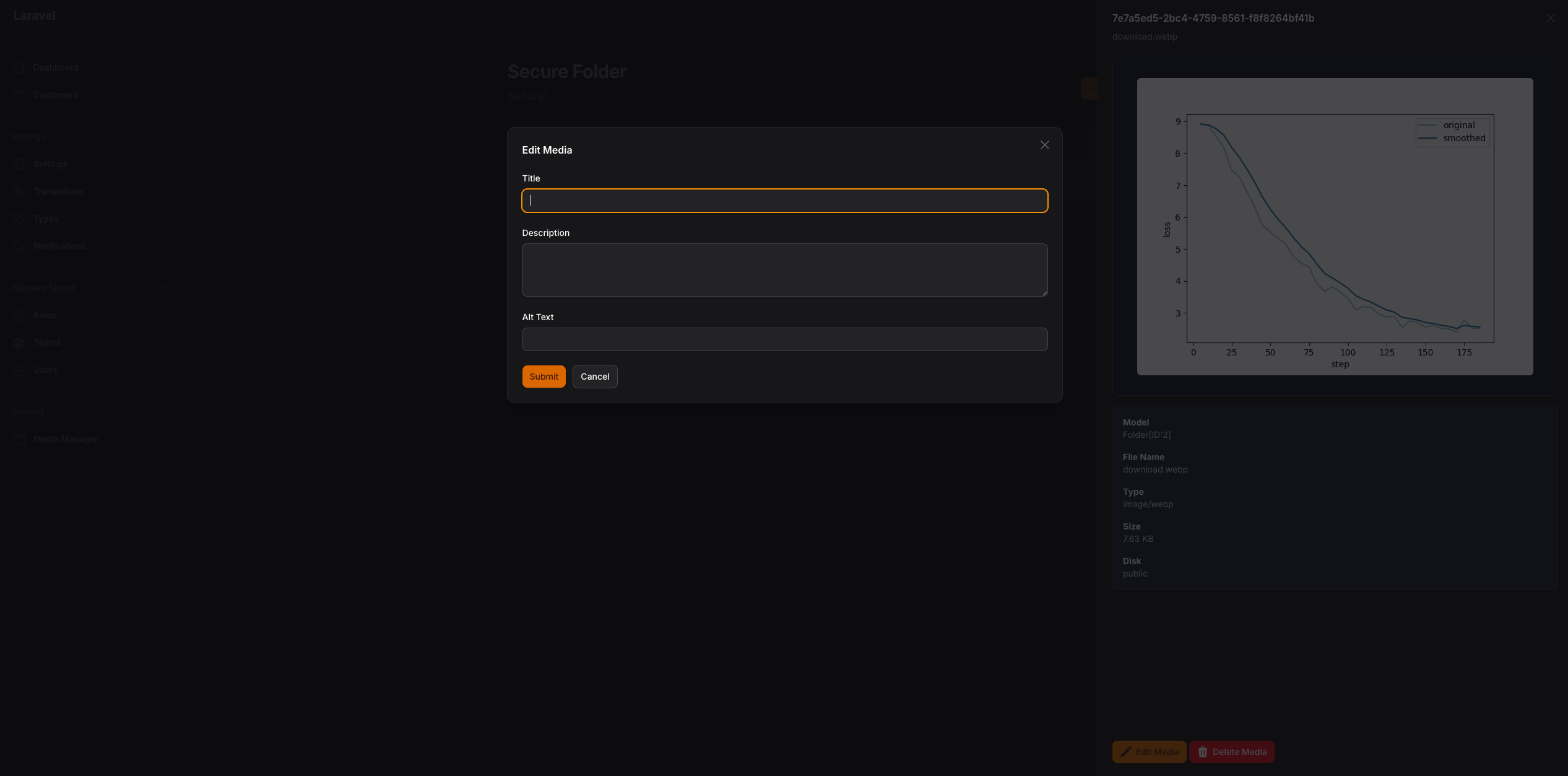
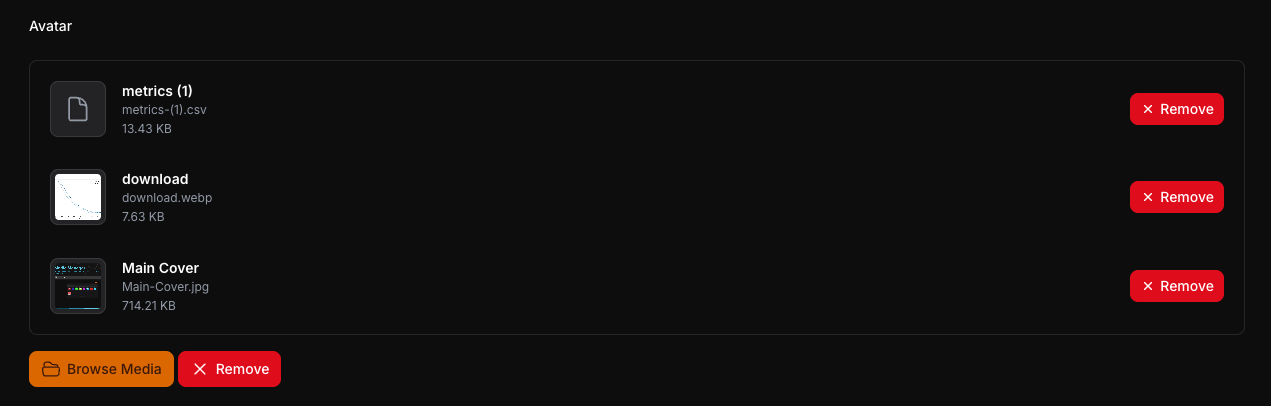
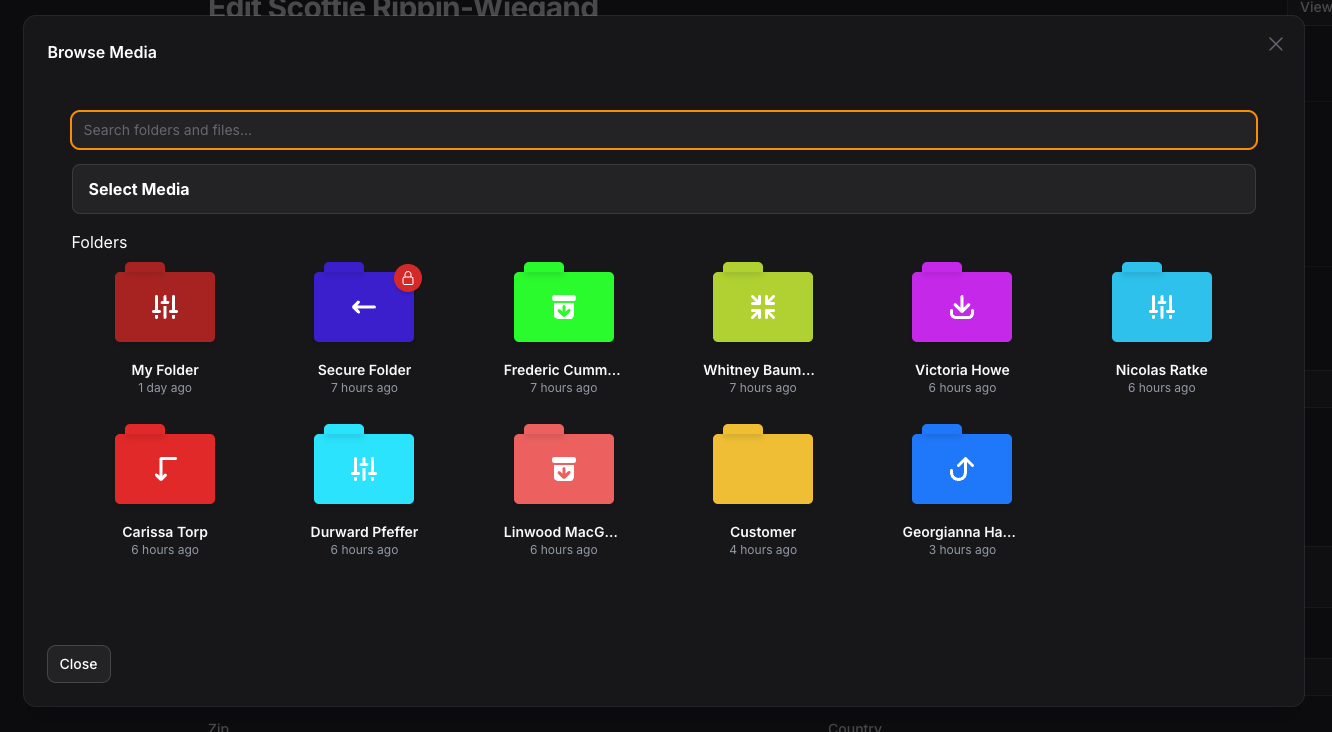
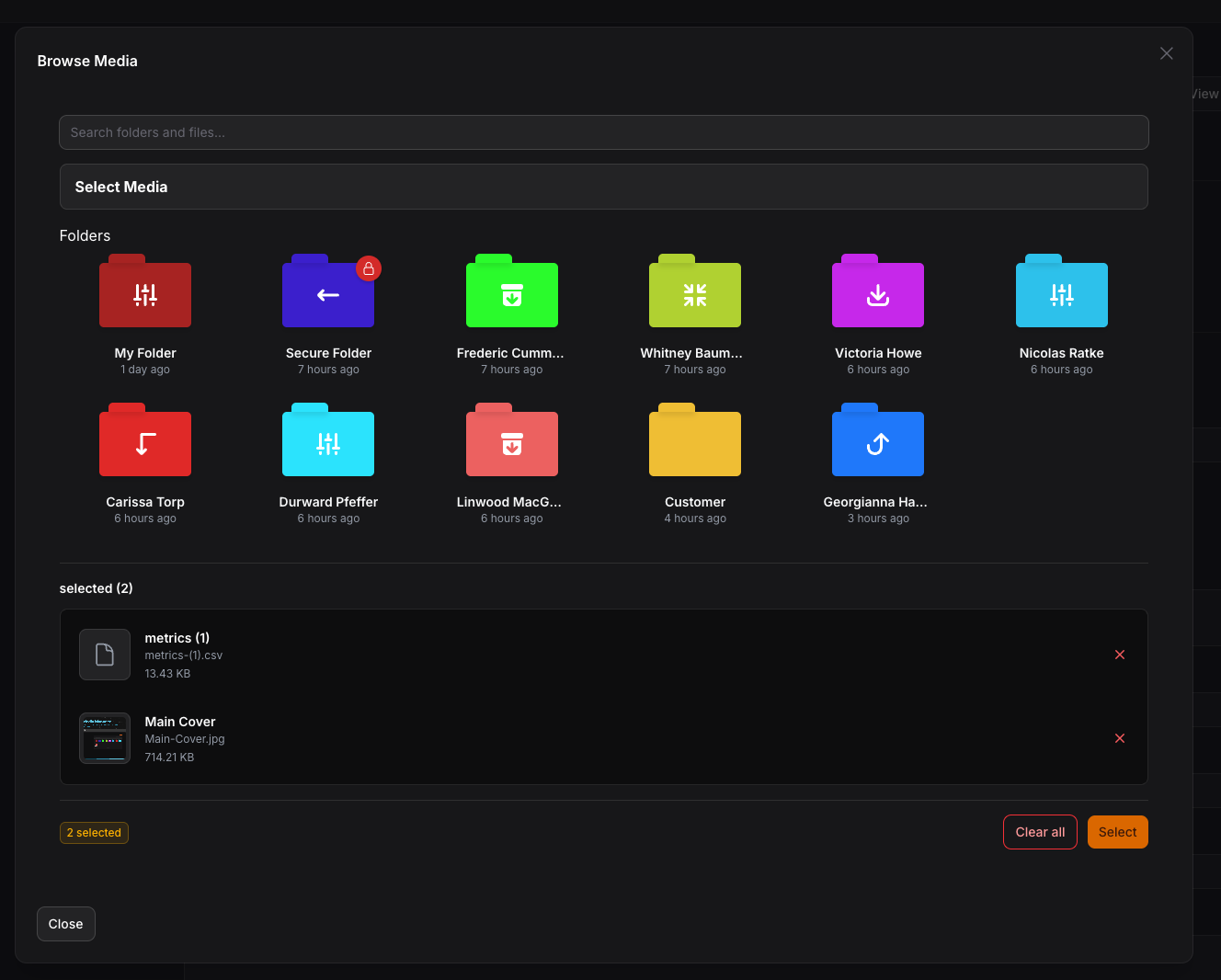
Screenshots
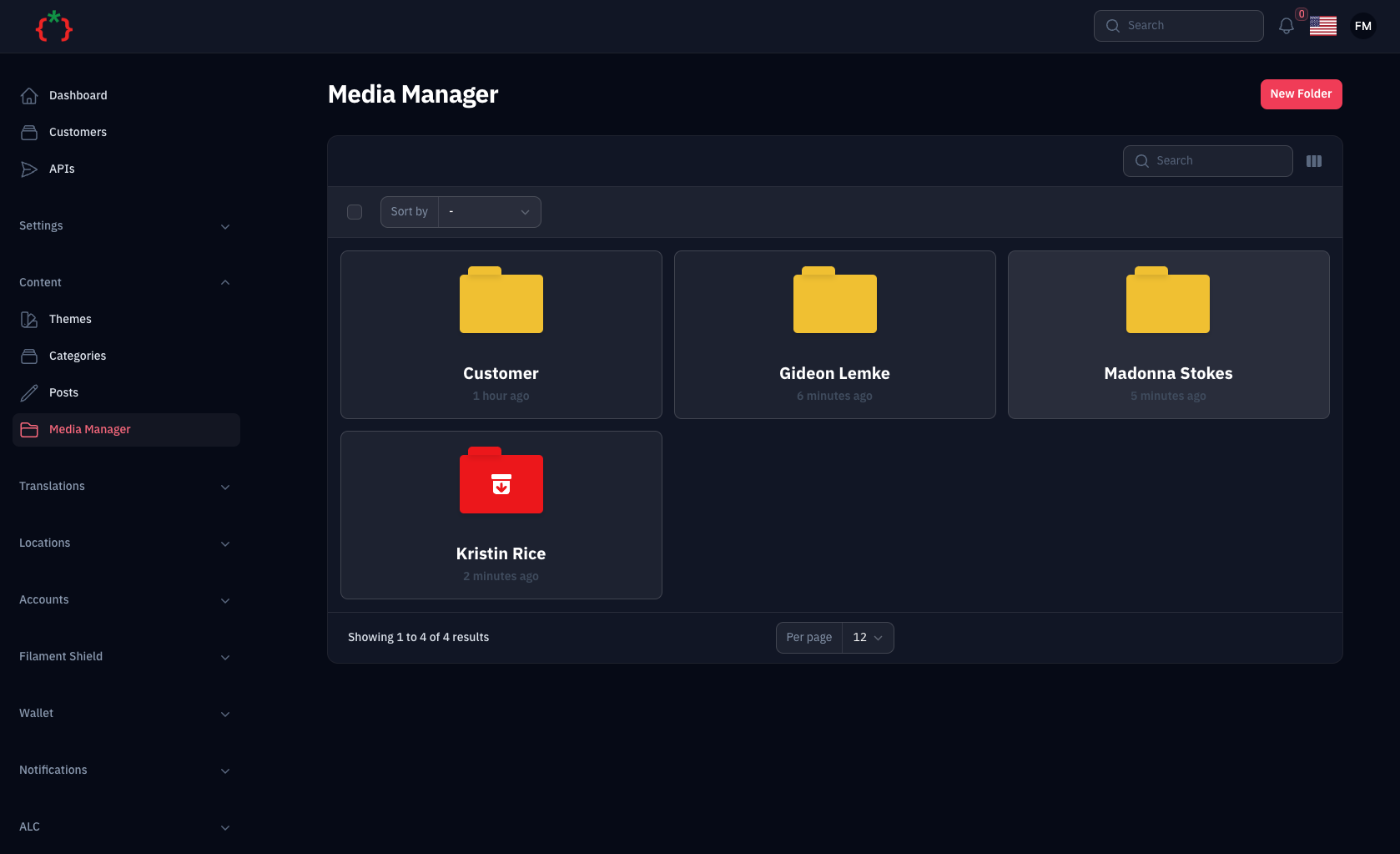
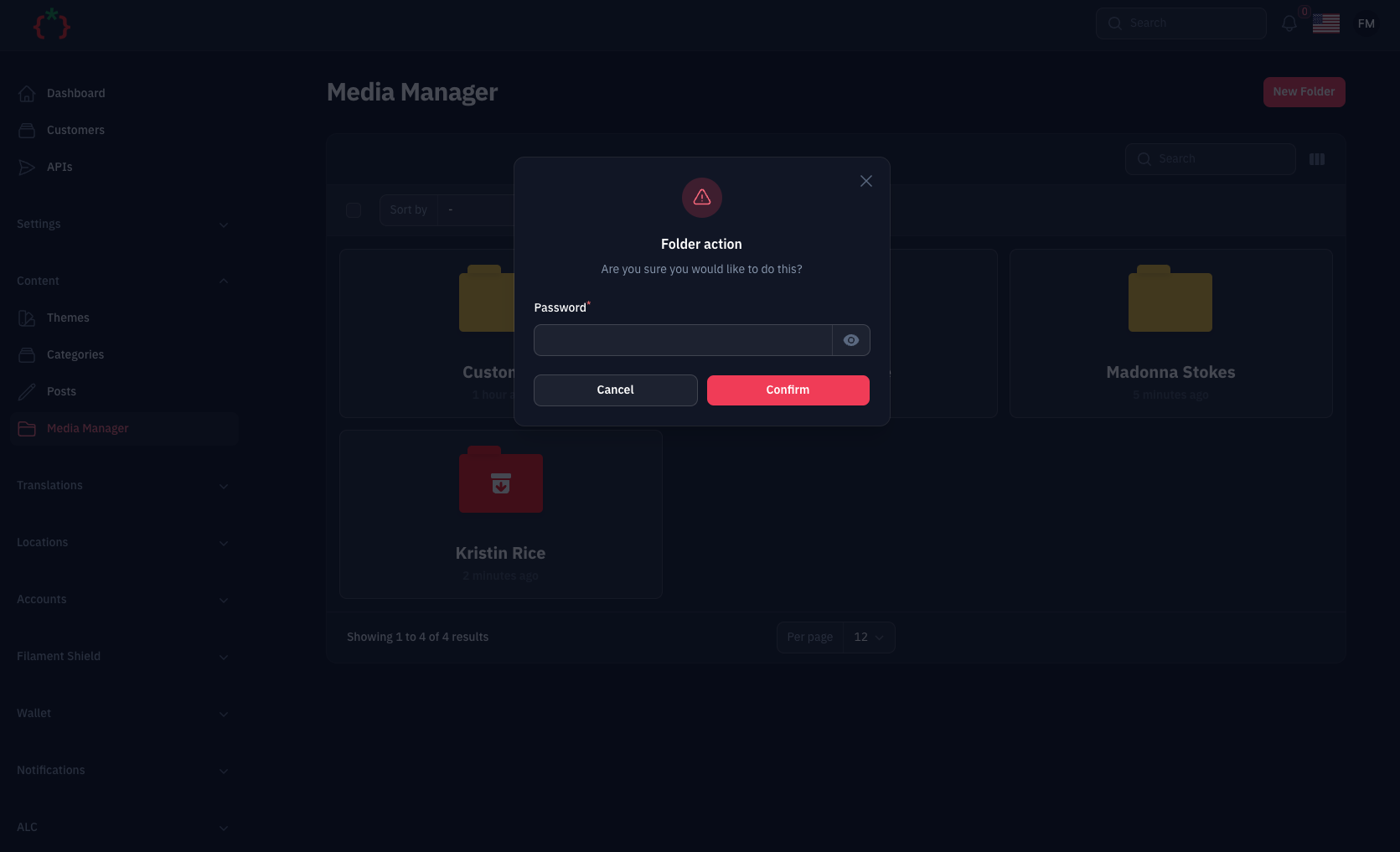
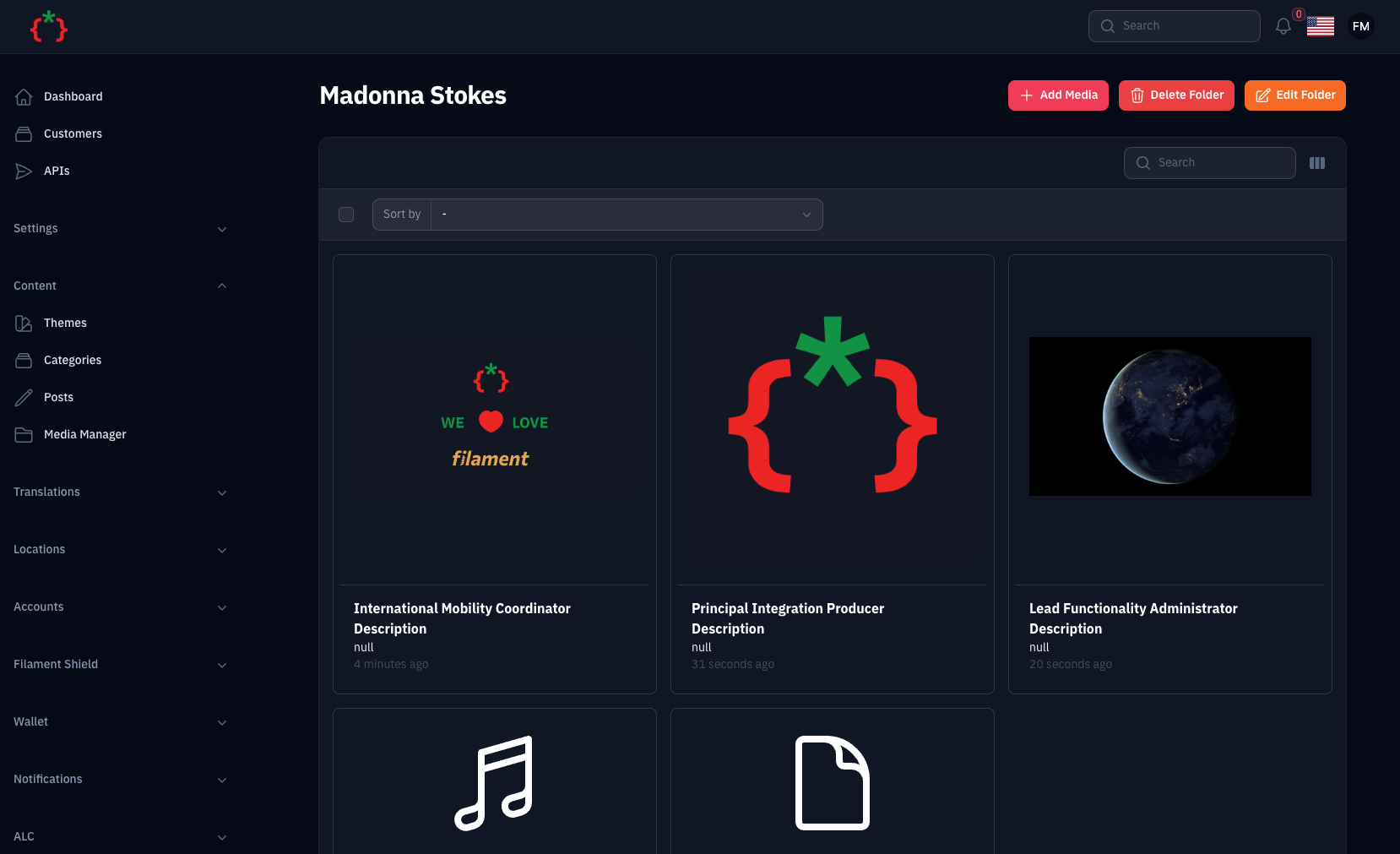


Usage
you can use the media manager by adding this code to your filament component
use TomatoPHP\FilamentMediaManager\Form\MediaManagerInput;

public function form(Schema $schema): Schema
{
    return $schema->components([
        MediaManagerInput::make('images')
            ->disk('public')
            ->schema([
                Forms\Components\TextInput::make('title')
                    ->required()
                    ->maxLength(255),
                Forms\Components\TextInput::make('description')
                    ->required()
                    ->maxLength(255),
            ]),
    ]);
}
or you can use Media Library Picker like this
use TomatoPHP\FilamentMediaManager\Form\MediaManagerPicker;

public function form(Schema $schema): Schema
{
    return $schema->components([
         MediaManagerPicker::make('media')
          ->multiple() // or ->single() (default is multiple)
          ->maxItems(5) // Maximum number of items that can be selected
          ->minItems(2) // Minimum number of items required
          ->collection('products') // Separate collection for this picker
          ->responsiveImages() // Enable responsive images generation
    ]);
}
and on your model to manage your attached media
use TomatoPHP\FilamentMediaManager\Traits\InteractsWithMediaManager;

class Model extends Authenticatable {
    use InteractsWithMediaManager;
}
MediaManagerPicker Features
- Multiple/Single Selection: Use
->multiple()or->single()to control selection mode - Item Limits: Set
->maxItems(n)and->minItems(n)to enforce selection constraints - Collection Names: Use
->collection('name')to separate media for different pickers on the same page - Responsive Images: Use
->responsiveImages()to automatically generate responsive images with Spatie - Drag & Drop Reordering: Visually reorder selected media items with drag handles
- Password Protected Folders: Browse secure folders with password verification
- Live Preview: See selected items with preview thumbnails, file info, and remove buttons
- Dark Mode Support: Fully styled for both light and dark themes
- Auto-close Modal: Modal automatically closes after selection with success notification
Multiple Pickers with Collections
You can use multiple MediaManagerPicker components on the same page by using collection names:
use TomatoPHP\FilamentMediaManager\Form\MediaManagerPicker;

public function form(Schema $schema): Schema
{
    return $schema->components([
        // Featured image picker
        MediaManagerPicker::make('featured_image')
            ->collection('featured')
            ->single()
            ->label('Featured Image'),

        // Gallery picker
        MediaManagerPicker::make('gallery_images')
            ->collection('gallery')
            ->multiple()
            ->maxItems(10)
            ->label('Gallery'),

        // Attachments picker with responsive images
        MediaManagerPicker::make('hero_image')
            ->collection('hero')
            ->single()
            ->responsiveImages()
            ->label('Hero Image'),
    ]);
}
Each picker maintains its own separate media attachments based on the collection name.
Working with Media in Models
InteractsWithMediaManager Trait
Use the InteractsWithMediaManager trait in your models to easily access and manage media attached via MediaManagerPicker:
use TomatoPHP\FilamentMediaManager\Traits\InteractsWithMediaManager;

class Product extends Model
{
    use InteractsWithMediaManager;
}
Available Methods
// Get all media attached via MediaManagerPicker
$product->getMediaManagerMedia(); // All media
$product->getMediaManagerMedia('featured'); // From specific collection

// Get media by UUIDs
$product->getMediaManagerMediaByUuids(['uuid-1', 'uuid-2']);

// Get media from Spatie collection (MediaManagerInput)
$product->getMediaManagerInputMedia('images');

// Attach media programmatically
$product->attachMediaManagerMedia(['uuid-1', 'uuid-2']); // To default collection
$product->attachMediaManagerMedia(['uuid-1', 'uuid-2'], 'gallery'); // To specific collection

// Detach media
$product->detachMediaManagerMedia(['uuid-1']); // Detach specific from default
$product->detachMediaManagerMedia(['uuid-1'], 'gallery'); // From specific collection
$product->detachMediaManagerMedia(null, 'gallery'); // Detach all from collection

// Sync media (replace all with new)
$product->syncMediaManagerMedia(['uuid-3', 'uuid-4']); // Default collection
$product->syncMediaManagerMedia(['uuid-3', 'uuid-4'], 'gallery'); // Specific collection

// Check if media exists
$product->hasMediaManagerMedia('uuid-1'); // In default collection
$product->hasMediaManagerMedia('uuid-1', 'featured'); // In specific collection

// Get first media item
$product->getFirstMediaManagerMedia(); // From default
$product->getFirstMediaManagerMedia('featured'); // From collection

// Get media URL
$product->getMediaManagerUrl(); // First from default collection
$product->getMediaManagerUrl('featured'); // First from featured collection

// Get all media URLs
$product->getMediaManagerUrls(); // All from default
$product->getMediaManagerUrls('gallery'); // All from gallery collection

// Responsive Images Methods
$product->getMediaManagerResponsiveImages('hero'); // Get responsive data
$product->getMediaManagerSrcset('hero'); // Get srcset for first media
$product->getMediaManagerSrcsets('gallery'); // Get all srcsets
$product->getMediaManagerResponsiveUrls('hero'); // Get responsive URLs for first
$product->getAllMediaManagerResponsiveUrls('gallery'); // Get all responsive URLs
Usage Examples
// In your blade template - Basic usage
@php
    $product = App\Models\Product::find(1);
    $images = $product->getMediaManagerMedia('gallery');
@endphp

<div class="product-gallery">
    @foreach($images as $image)
        <img src="{{ $image->getUrl('thumb') }}" alt="{{ $image->name }}">
    @endforeach
</div>

// Get featured image from specific collection
@php
    $featuredUrl = $product->getMediaManagerUrl('featured') ?? '/default-image.png';
@endphp

<img src="{{ $featuredUrl }}" alt="Featured Image">

// Responsive Images with srcset
@php
    $heroSrcset = $product->getMediaManagerSrcset('hero');
    $heroUrl = $product->getMediaManagerUrl('hero');
@endphp

<img src="{{ $heroUrl }}"
     srcset="{{ $heroSrcset }}"
     sizes="(max-width: 768px) 100vw, 50vw"
     alt="Hero Image">

// Gallery with responsive images
@foreach($product->getMediaManagerResponsiveImages('gallery') as $item)
    <img src="{{ $item['url'] }}"
         srcset="{{ $item['srcset'] }}"
         alt="Gallery Image">
@endforeach

// Get user avatar from specific collection
@php
    $avatarUrl = auth()->user()->getMediaManagerUrl('avatar') ?? '/default-avatar.png';
@endphp

<img src="{{ $avatarUrl }}" alt="User Avatar">
For complete documentation of the trait, see TRAITS.md.
Important: Run Migrations
After installing or updating the package, make sure to run migrations to add the required database columns:
php artisan migrate
This will add the following columns to the media_has_models table:
order_column- For drag & drop reordering functionalitycollection_name- For multiple pickers with separate collectionsresponsive_images- For responsive images support
Add Custom Preview to selected type on the media manager
you can add custom preview to selected type on the media manager by add this code to your provider
use TomatoPHP\FilamentMediaManager\Facade\FilamentMediaManager;
use TomatoPHP\FilamentMediaManager\Services\Contracts\MediaManagerType;


public function boot() {
     FilamentMediaManager::register([
        MediaManagerType::make('.pdf')
            ->icon('bxs-file-pdf')
            ->preview('media-manager.pdf'),
    ]);
}
in your view file you can use it like this
<div class="m-4">
    <canvas id="the-canvas"></canvas>
</div>

<script src="//mozilla.github.io/pdf.js/build/pdf.mjs" type="module"></script>

<style type="text/css">
    #the-canvas {
        border: 1px solid black;
        direction: ltr;
    }
</style>
<script type="module">
    // If absolute URL from the remote server is provided, configure the CORS
    // header on that server.
    var url = "{{ $media->getUrl() }}";

    // Loaded via <script> tag, create shortcut to access PDF.js exports.
    var { pdfjsLib } = globalThis;

    // The workerSrc property shall be specified.
    pdfjsLib.GlobalWorkerOptions.workerSrc = '//mozilla.github.io/pdf.js/build/pdf.worker.mjs';

    // Asynchronous download of PDF
    var loadingTask = pdfjsLib.getDocument(url);
    loadingTask.promise.then(function(pdf) {

        // Fetch the first page
        var pageNumber = 1;
        pdf.getPage(pageNumber).then(function(page) {
            var scale = 1;
            var viewport = page.getViewport({scale: scale});

            // Prepare canvas using PDF page dimensions
            var canvas = document.getElementById('the-canvas');
            var context = canvas.getContext('2d');
            canvas.height = viewport.height;
            canvas.width = viewport.width;

            // Render PDF page into canvas context
            var renderContext = {
                canvasContext: context,
                viewport: viewport
            };
            var renderTask = page.render(renderContext);
        });
    }, function (reason) {
        // PDF loading error
        console.error(reason);
    });
</script>
you can attach global js or css file to the media manager by add this code to your provider
use TomatoPHP\FilamentMediaManager\Facade\FilamentMediaManager;
use TomatoPHP\FilamentMediaManager\Services\Contracts\MediaManagerType;


public function boot() {
     FilamentMediaManager::register([
        MediaManagerType::make('.pdf')
            ->js('https://mozilla.github.io/pdf.js/build/pdf.mjs'),
            ->css('https://cdnjs.cloudflare.com/ajax/libs/pdf.js/4.3.136/pdf_viewer.min.css'),
            ->icon('bxs-file-pdf')
            ->preview('media-manager.pdf'),
    ]);
}
please note that the name of the component will be the same name of the collection.
Allow Sub Folders
you can allow create and manage subfolders on your media manager on /app/Providers/Filament/AdminPanelProvider.php
->plugins([
    \TomatoPHP\FilamentMediaManager\FilamentMediaManagerPlugin::make()
        ->allowSubFolders()
])
Allow User Access
now you can allow user to access selected folder and restract user to access each other folders if the folder is not public on /app/Providers/Filament/AdminPanelProvider.php
->plugin(
    \TomatoPHP\FilamentMediaManager\FilamentMediaManagerPlugin::make()
        ->allowUserAccess()
)
now on your user model you can use this trait to allow user to access selected folder
use TomatoPHP\FilamentMediaManager\Traits\InteractsWithMediaFolders;

class User extends Authenticatable
{
    use InteractsWithMediaFolders;
}
NOTE don't forget to migrate after update the plugin
Folders API
now you can access your media and folders using API you have 2 endpoints
/api/foldersto get all folders/api/folders/{id}to get folder by id with sub folders and media files
to allow this feature, you need to publish the config file by use this command
php artisan vendor:publish --tag="filament-media-manager-config"
then you can set api.active to true on the config file
'api' => [
    "active" => true,
],
Publish Assets
you can publish config file by use this command
php artisan vendor:publish --tag="filament-media-manager-config"
you can publish a view file by using this command
php artisan vendor:publish --tag="filament-media-manager-views"
you can publish a language file by using this command
php artisan vendor:publish --tag="filament-media-manager-lang"
you can publish the migrations file by using this command
php artisan vendor:publish --tag="filament-media-manager-migrations"
Testing
This package includes comprehensive test suites for all major features. Tests are written using Pest PHP.
Running Tests
Run all tests:
composer test
Run a specific test file:
./vendor/bin/pest tests/src/MediaManagerPickerTest.php
Run with coverage:
./vendor/bin/pest --coverage
Test Coverage
The test suite includes:
- MediaManagerPickerTest - Tests for MediaManagerPicker component, folder navigation, password protection, selection validation, and file upload
- MediaManagerInputTest - Tests for MediaManagerInput component, file upload, media retrieval, deletion, and custom schema
- InteractsWithMediaManagerTest - Tests for the trait methods including attach, detach, sync, and URL generation
For detailed testing documentation, see tests/README.md
Code Style
if you like to fix the code style, just use this command
composer format
PHPStan
if you like to check the code by PHPStan just use this command
composer analyse
Other Filament Packages
Check out our Awesome TomatoPHP
tomatophp/filament-media-manager 适用场景与选型建议
tomatophp/filament-media-manager 是一款 基于 PHP 开发的 Composer 扩展包,目前已累计 51.43k 次下载、GitHub Stars 达 148, 最近一次更新时间为 2024 年 06 月 20 日, 在 PHP 生态内属于活跃度较高的组件。
它主要适用于以下技术方向: 「php」 「media」 「manager」 「laravel」 「spatie」 「media-library」 等业务场景。在实际项目中,围绕这些方向常见需要落地的问题包括:接口对接、性能调优、并发安全、与既有框架(Laravel / ThinkPHP / Yii / Webman 等)的兼容适配,以及生产环境的日志埋点与稳定性保障。
我们在过去多个企业项目中使用过 tomatophp/filament-media-manager 或与其功能相近的方案,如果你在选型或落地过程中遇到问题,例如 版本兼容、二次改造、私有化封装、与内部系统对接、生产 BUG 排查,欢迎联系我们协助评估。
基于 tomatophp/filament-media-manager 在你已有业务上做功能扩展、字段裁剪、UI 适配、与内部账号 / 权限 / 日志系统的深度对接。
线上偶发问题、内存泄漏、慢查询、并发异常等排查修复;针对高流量场景做缓存、队列、索引层面的调优。
承接完整的项目从需求 → 设计 → 开发 → 上线 → 长期运维;也可按月提供技术保姆服务。
与 tomatophp/filament-media-manager 相关的其它包
同方向 / 同关键字的高下载量 PHP Composer 包推荐,方便对比选型:
The file manager intended for using Laravel with CKEditor / TinyMCE / Colorbox
Simple Sharing generates social media share links within CP entry pages, allowing you to quickly & easily share entries.
Laravel Media Popup to upload/view the files
Asset Manager Laravel package for Gigcodes UI Library
KCFinder web file manager
Publish / Subscribe / Event Manager
统计信息
- 总下载量: 51.43k
- 月度下载量: 0
- 日度下载量: 0
- 收藏数: 148
- 点击次数: 23
- 依赖项目数: 3
- 推荐数: 1
其他信息
- 授权协议: MIT
- 更新时间: 2024-06-20