torgodly/filament-fcm
Composer 安装命令:
composer require torgodly/filament-fcm
包简介
Firebase Cloud Messaging integration to Native FilamentPHP Notification Package
README 文档
README
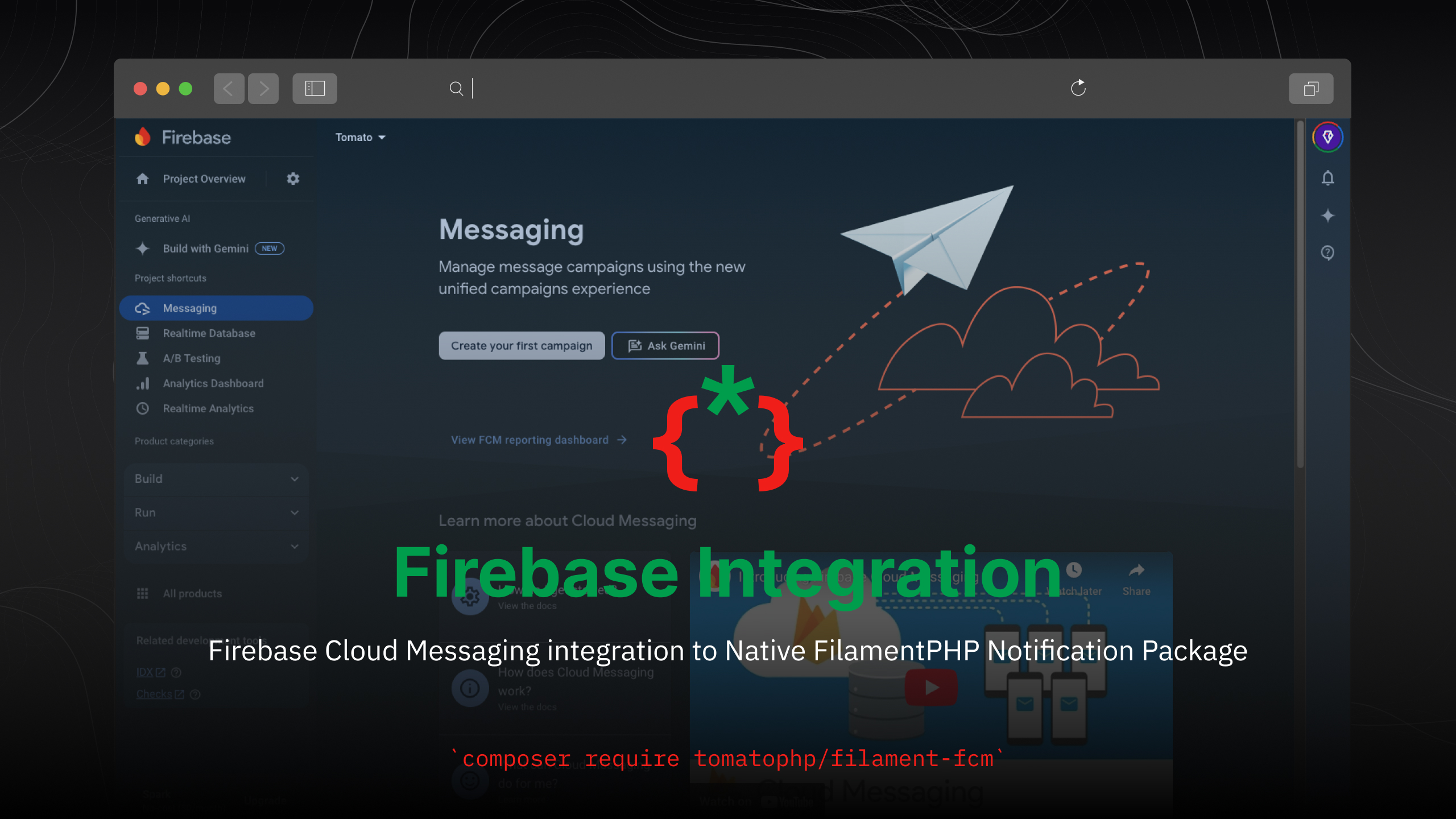
Filament Firebase Integration
Firebase Cloud Messaging integration to Native FilamentPHP Notification Package
Installation
composer require torgodly/filament-fcm
after install your package you need to update this keys in your .env file
# Firebase Project
FIREBASE_API_KEY=
FIREBASE_AUTH_DOMAIN=
FIREBASE_DATABASE_URL=
FIREBASE_PROJECT_ID=
FIREBASE_STORAGE_BUCKET=
FIREBASE_MESSAGING_SENDER_ID=
FIREBASE_APP_ID=
FIREBASE_MEASUREMENT_ID=

# Firebase Admin SDK
FIREBASE_CREDENTIALS=

# Firebase Cloud Messaging
FIREBASE_VAPID=

# Firebase Alert Sound
FCM_ALERT_SOUND=
after update clear config
php artisan config:clear
then please run this command
php artisan filament-fcm:install
if you are not using this package as a plugin please register the plugin on /app/Providers/Filament/AdminPanelProvider.php
->plugin(\Torgodly\FilamentFcm\FilamentFcmPlugin::make()
)
Usage
you can use the filament native notification and we add some macro for you
use Filament\Notifications\Notification;

Notification::make('send')
    ->title('Test Notifications')
    ->body('This is a test notification')
    ->icon('heroicon-o-bell')
    ->color('success')
    ->actions([
    \Filament\Notifications\Actions\Action::make('view')
        ->label('View')
        ->url('https://google.com')
        ->markAsRead()
    ])
    ->sendToFCM(
        user: auth()->user(),
        data: [
            'key' => 'value'
        ],
        sendToDatabase: false,
        type: 'fcm-web' // or fcm-api
    )
or you can send it directly from the user model
$user->notifyFCMSDK(
    message: $this->message,
    type: $this->provider,
    title: $this->title,
    url: $this->url,
    image: $this->image,
    icon: $this->icon,
    data: [
        'url' => $this->url,
        'id' => $this->model_id,
        'actions' => [],
        'body' => $this->message,
        'color' => null,
        'duration' => null,
        'icon' => $this->icon,
        'iconColor' => null,
        'status' => null,
        'title' => $this->title,
        'view' => null,
        'viewData' => null,
        'data'=> $this->data
    ],
    sendToDatabase: false
);
Publish Assets
you can publish config file by use this command
php artisan vendor:publish --tag="filament-fcm-config"
you can publish views file by use this command
php artisan vendor:publish --tag="filament-fcm-views"
you can publish migrations file by use this command
php artisan vendor:publish --tag="filament-fcm-migrations"
Other Filament Packages
Checkout our Awesome Torgodly
torgodly/filament-fcm 适用场景与选型建议
torgodly/filament-fcm 是一款 基于 PHP 开发的 Composer 扩展包,目前已累计 0 次下载、GitHub Stars 达 0, 最近一次更新时间为 2026 年 05 月 03 日, 在 PHP 生态内属于活跃度较高的组件。
它主要适用于以下技术方向: 「php」 「laravel」 「integration」 「firebase」 「filamentphp」 「google-firebase」 等业务场景。在实际项目中,围绕这些方向常见需要落地的问题包括:接口对接、性能调优、并发安全、与既有框架(Laravel / ThinkPHP / Yii / Webman 等)的兼容适配,以及生产环境的日志埋点与稳定性保障。
我们在过去多个企业项目中使用过 torgodly/filament-fcm 或与其功能相近的方案,如果你在选型或落地过程中遇到问题,例如 版本兼容、二次改造、私有化封装、与内部系统对接、生产 BUG 排查,欢迎联系我们协助评估。
基于 torgodly/filament-fcm 在你已有业务上做功能扩展、字段裁剪、UI 适配、与内部账号 / 权限 / 日志系统的深度对接。
线上偶发问题、内存泄漏、慢查询、并发异常等排查修复;针对高流量场景做缓存、队列、索引层面的调优。
承接完整的项目从需求 → 设计 → 开发 → 上线 → 长期运维;也可按月提供技术保姆服务。
与 torgodly/filament-fcm 相关的其它包
同方向 / 同关键字的高下载量 PHP Composer 包推荐,方便对比选型:
LinkedIn API PHP SDK with OAuth 2.0 & CSRF support. Can be used for social sign in or sharing on LinkedIn. Examples. Documentation.
LinkedIn API PHP SDK with OAuth 2.0 & CSRF support. Can be used for social sign in or sharing on LinkedIn. Examples. Documentation.
Laravel integration for blade-to-react
The missing social authentication for thephpleague/oauth2-server, adapted from schedula/league-oauth2-social
Magento 2 Integration Suite
This library is an integration of `codekandis/authentication` into `codekandis/tiphy`.
统计信息
- 总下载量: 0
- 月度下载量: 0
- 日度下载量: 0
- 收藏数: 0
- 点击次数: 33
- 依赖项目数: 0
- 推荐数: 0
其他信息
- 授权协议: MIT
- 更新时间: 2026-05-03