unclecheese/silverstripe-kickassets
Composer 安装命令:
composer require unclecheese/silverstripe-kickassets
包简介
Provides an alternative file management interface for SilverStripe CMS with drag-and-drop, multi-selection, and several other desktop-like UI conventions.
README 文档
README
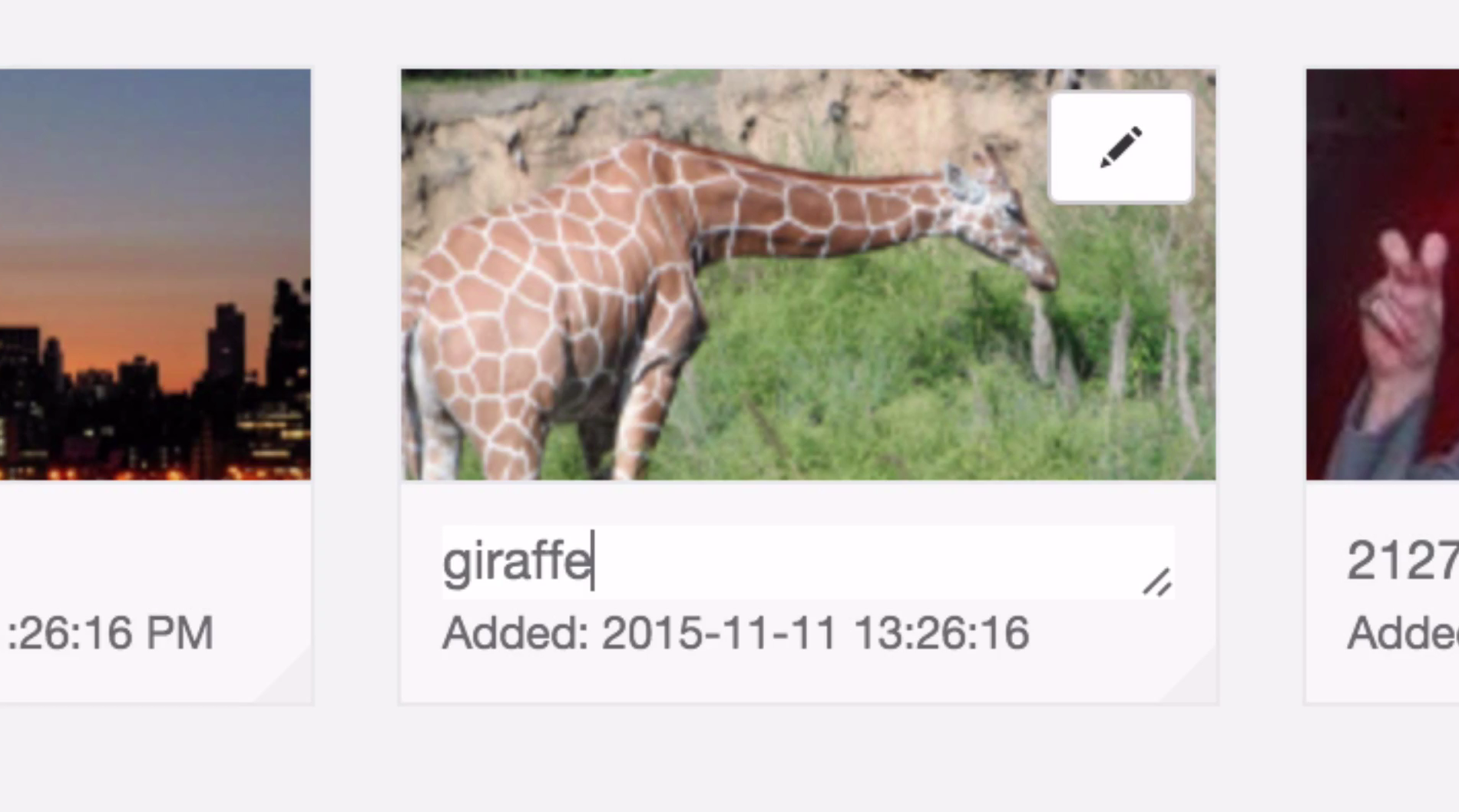
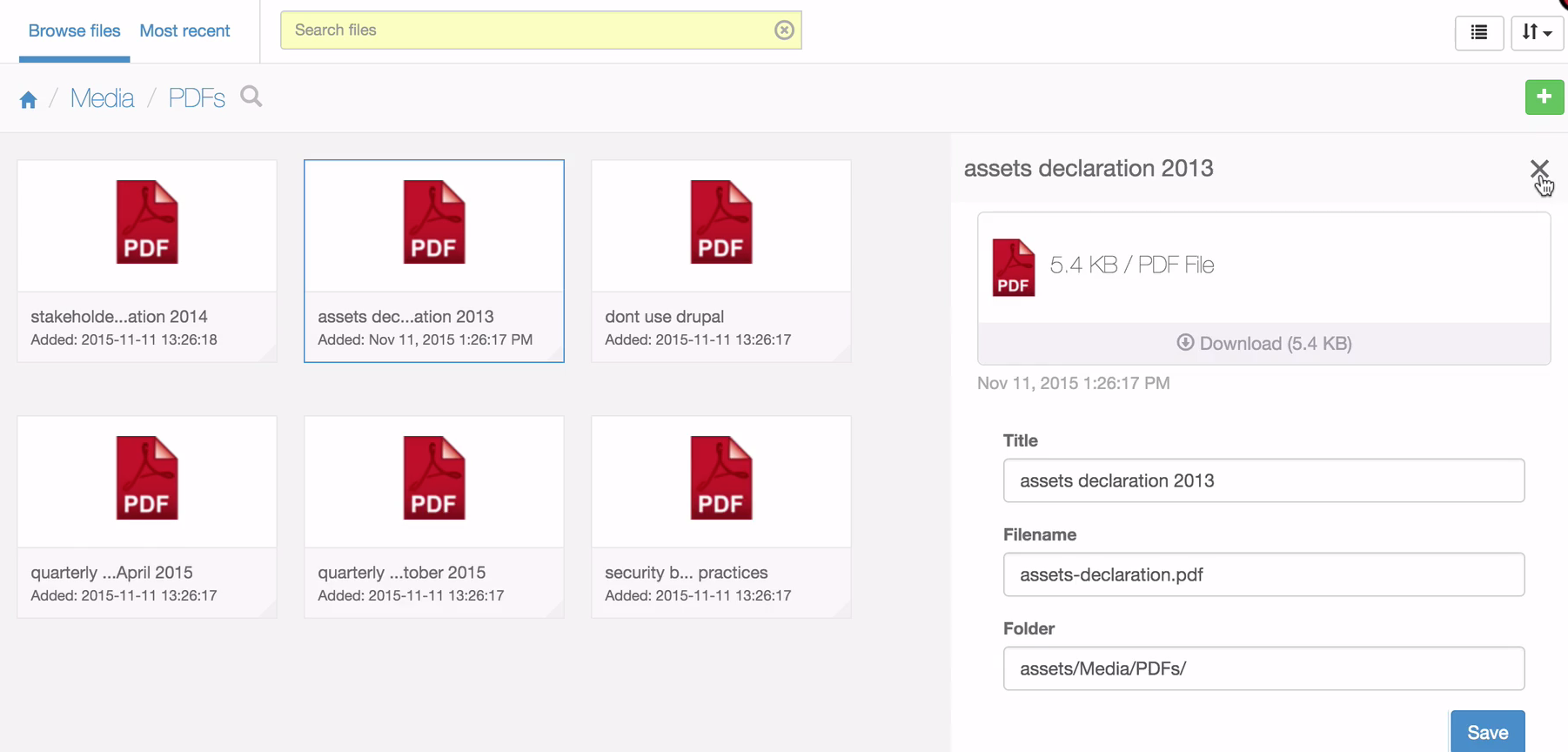
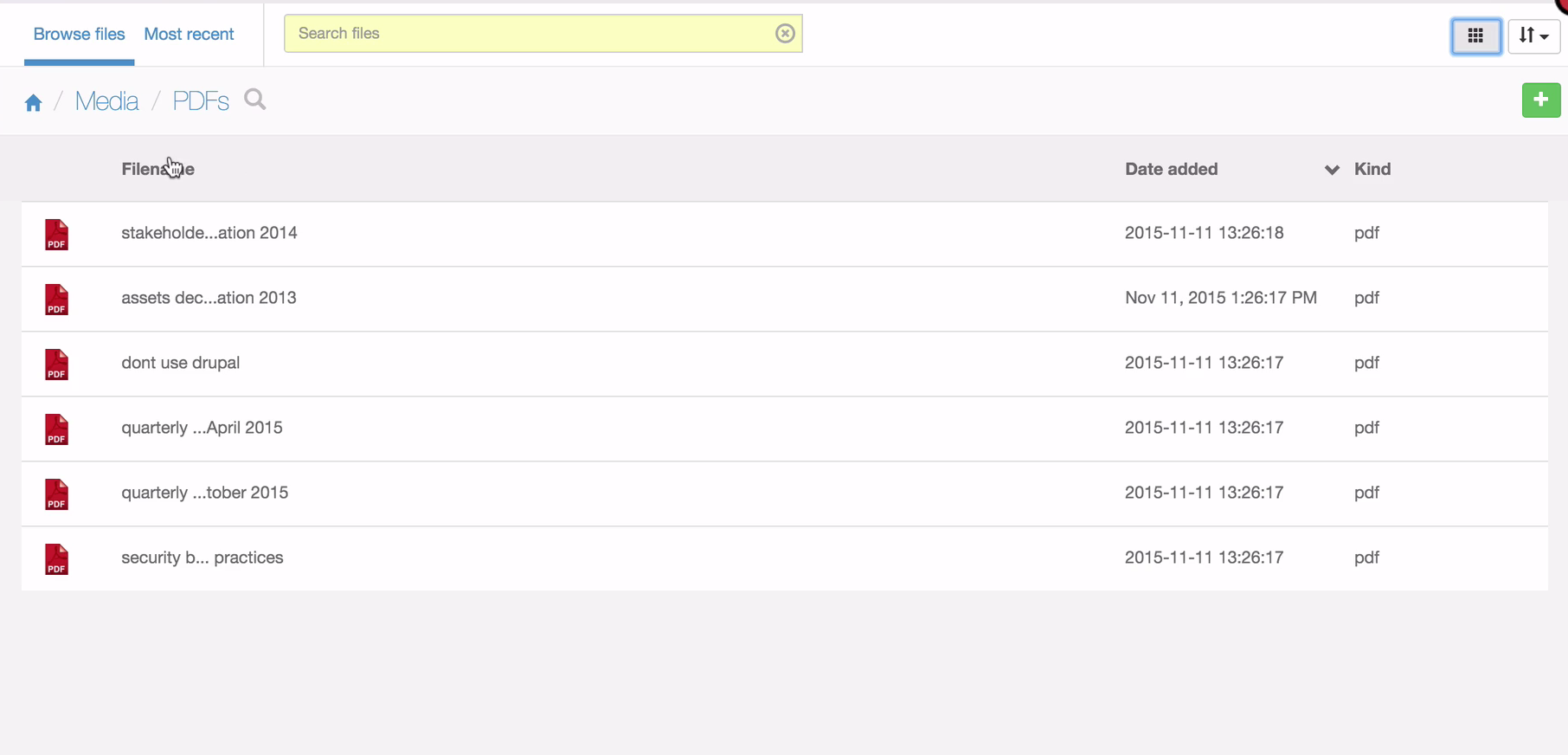
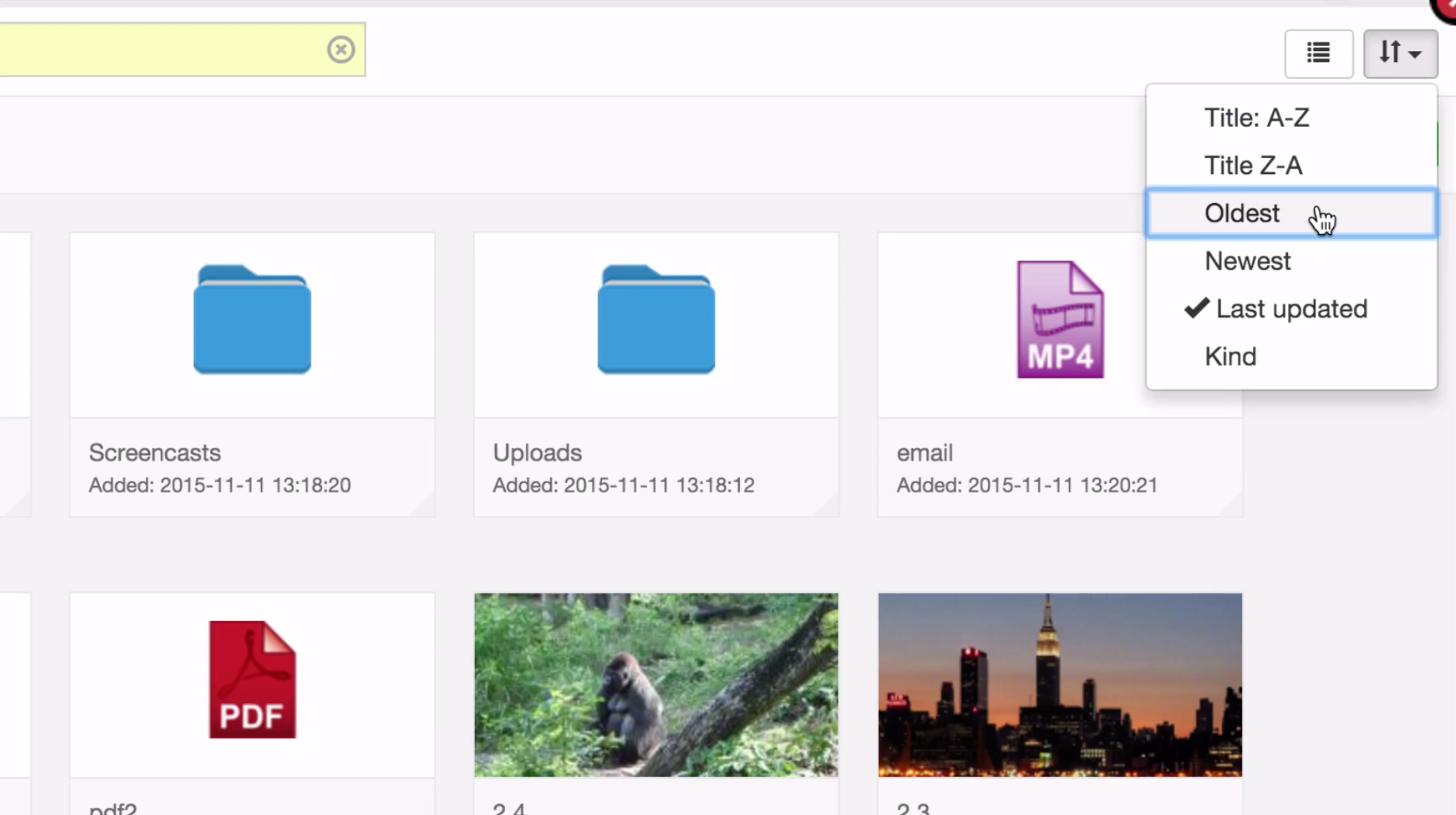
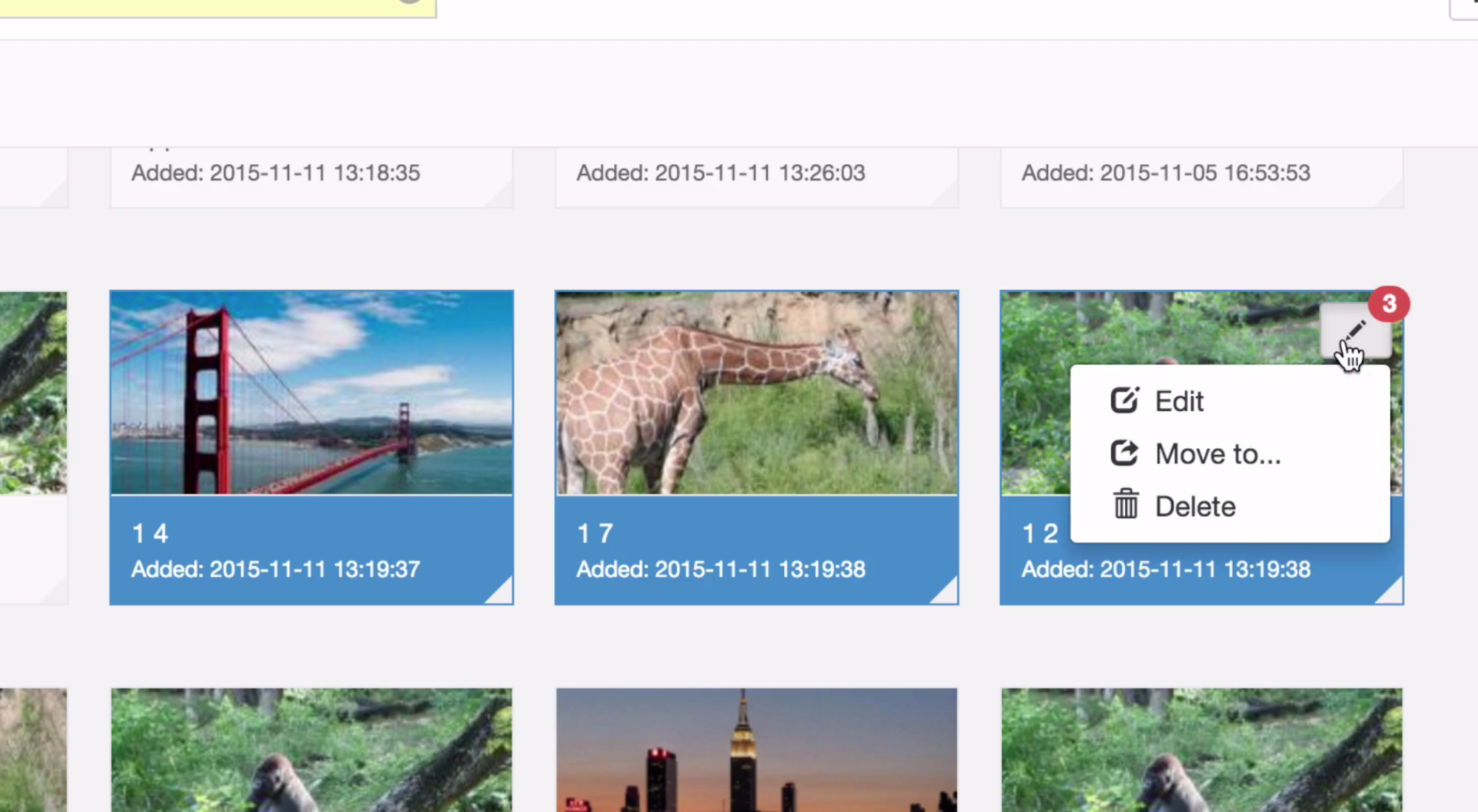
KickAssets is a replacement for the Files & Images section (AssetAdmin) in SilverStripe CMS. It adds drag-and-drop uploading, mouse and keyboard selection, and a variety of other desktop-like file UI features.
See it. In 49 Seconds of Superfluous Flair.
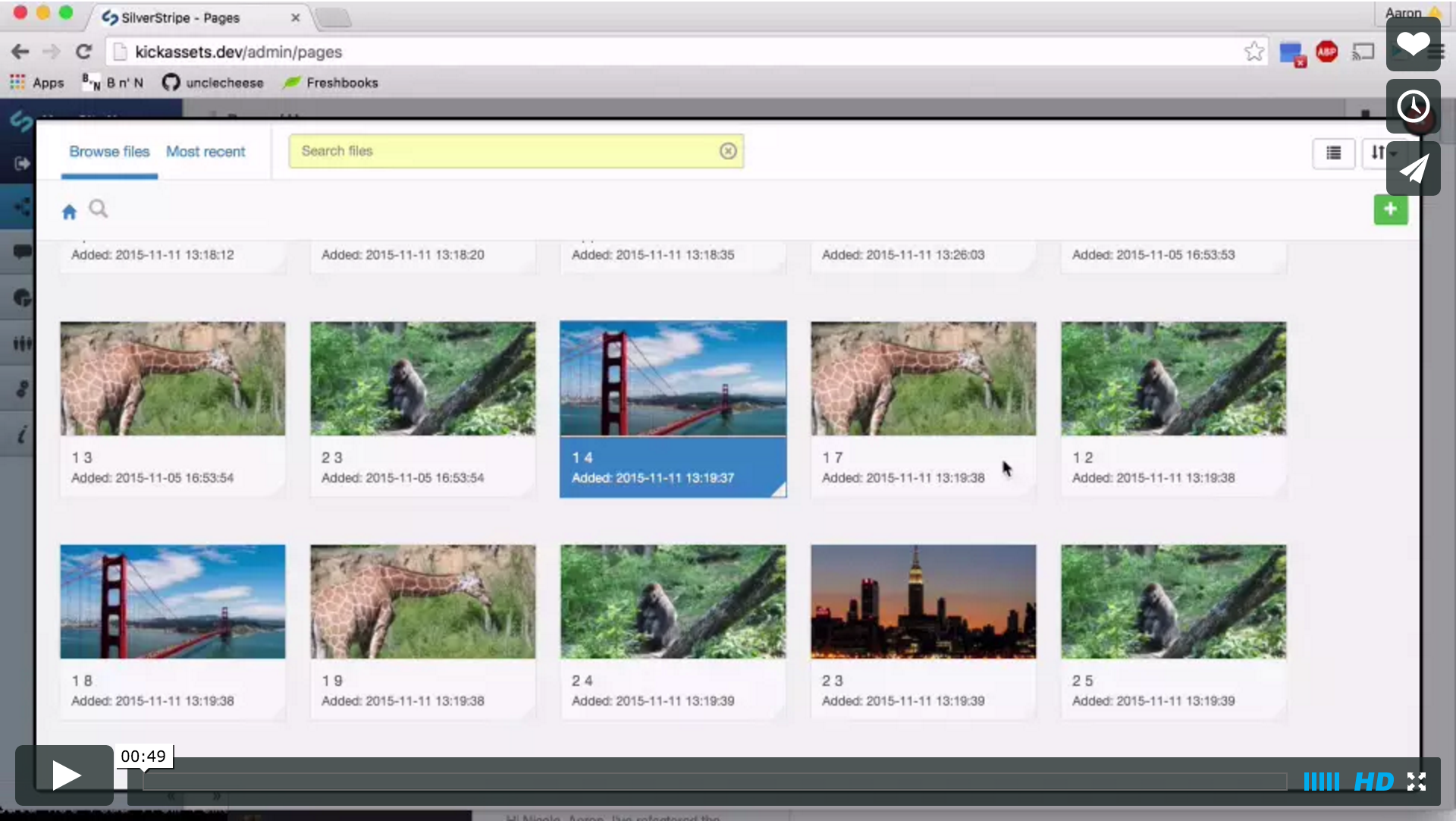
Demo
(User: kickassets / Pass: kickassets)
Installation
composer require unclecheese/silverstripe-kickassets
Dependencies
Screenshots
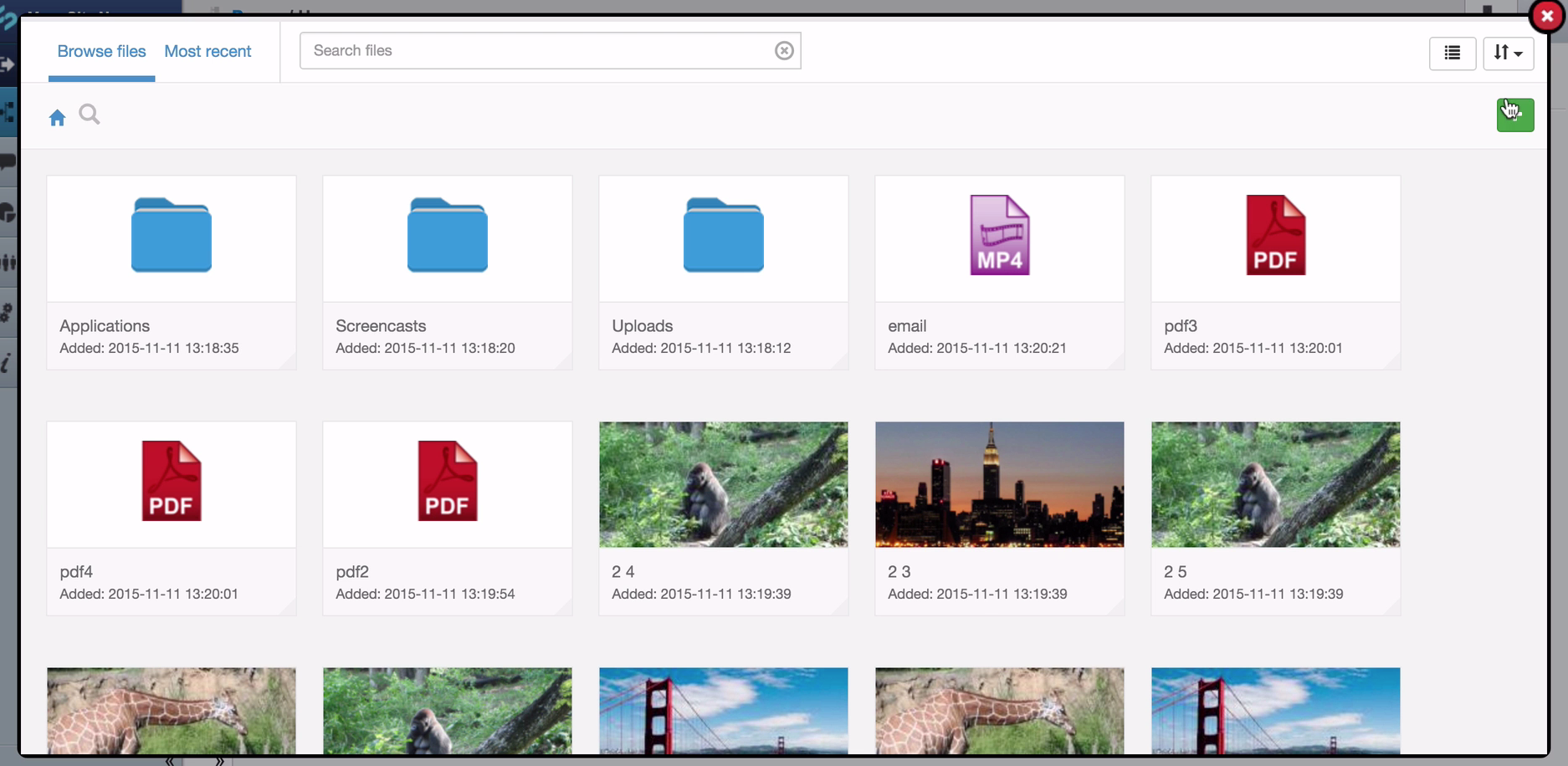
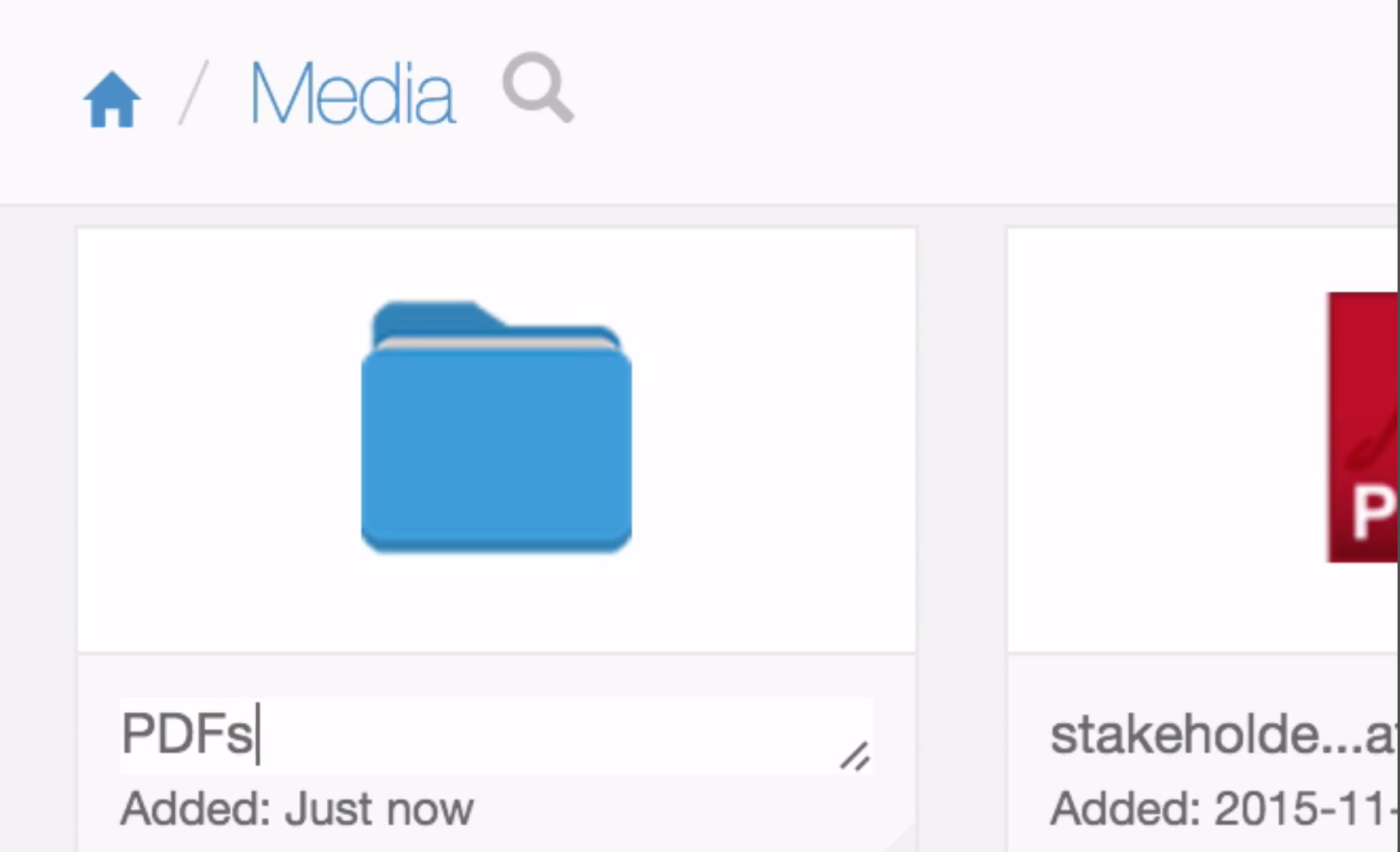
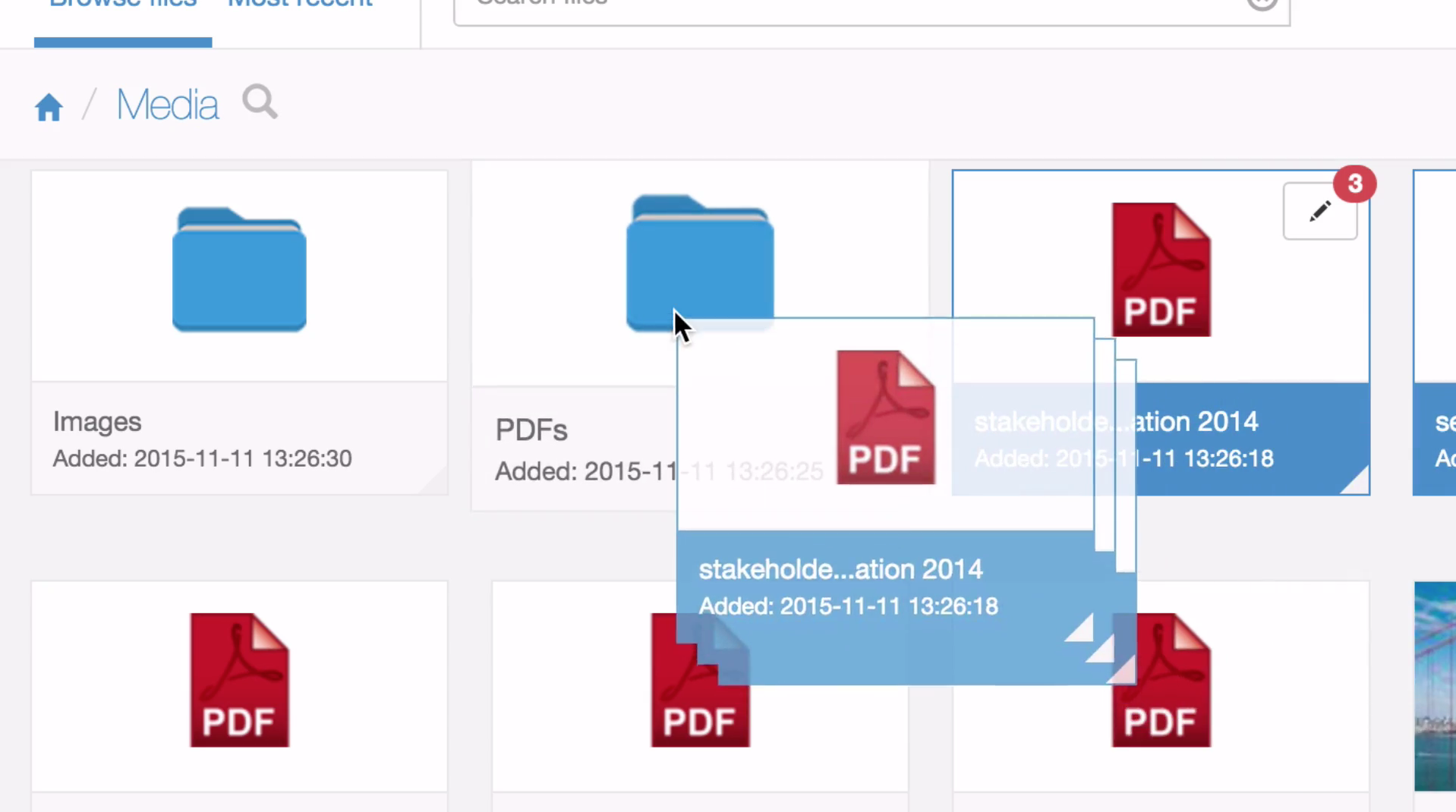
JavaScript API
An API is exposed to the entire CMS that allows you to prompt the user to select a file in the KickAssets UI. The following
$('.select-files').entwine({
	onclick: function(e) {
		e.preventDefault();
		var $t = this;
		KickAssets.requestFile(function(file) {
			$t.next('ul').append('<li><img src="'+file.iconURL+'"> '+file.filename+'</li>');
		});
	}
});
Also available is KickAssets.requestFiles, which returns an array of file objects.
Optionally, you can pass list of permissions as a first parameter to requestFile or requestFiles.
$('.select-files').entwine({
	onclick: function(e) {
		e.preventDefault();
		var $t = this;
		var permissions = {
			folderID: 123,
			canUpload: false
		};
		KickAssets.requestFile(permissions, function(file) {
			$t.next('ul').append('<li><img src="'+file.iconURL+'"> '+file.filename+'</li>');
		});
	}
});
A full list of permissions:
| Name | Description | Default value |
|---|---|---|
| maxSelection | The maximum number of files that can be selected and returned. 0 for unlimited. | 0 |
| folderID | The ID of the folder to start in | 0 |
| canUpload | Whether the user should be able to upload in the window | true |
| canDelete | Whether the user should be able to delete files or folders in the window | true |
| canEdit | Whether the user should be able to edit files in the window | true |
| canCreateFolder | Whether the user should be able to add folders in the window | true |
| allowedTypes | A comma-separated list of file types that can be selected | 'file,image,folder' |
Usage with UploadField and Dropzone
By default, the unclecheese/silverstripe-dropzone module will detect KickAssets and use it on FileAttachmentField for selecting existing files.
To get the same behaviour on UploadField, ensure the use_on_uploadfield setting is set to true. (It is by default).
KickAssets:
  use_on_uploadfield: true
Most settings, such as max files, allowed extensions, and and upload folder will transfer over to the KickAssets window.
Usage with HTMLEditorField
In addition to the "Insert Media" button that comes with the default configuration of the CMS, KickAssets adds a "Browse files..." buttton that opens the KickAssets window, allowing you to upload, move, edit, and delete files and insert them into the editor at the position of the cursor.
If you select one or many images, they will be appended to the the editor in the order in which they were selected. If you select a file, it will link any text that is selected in the editor to the URL of that file. If no text is selected and you choose a file, it will insert a link to the file using the title of the file as the clickable text.
Browser support
Everyone can come to the party except IE9. Sorry.
(I'm not really sorry.)
Contributing
KickAssets is written in React JS, and requires transpiling from ES6 and JSX. This is done using Webpack and Babel. You will need to install Webpack on your system.
npm install -g webpack
Then, run npm install in your kickassets module directory to install all of the dependencies.
To start writing code, run:
webpack --watch
When finished, create a production bundle by setting an environment file and turning on minification.
PROD=1 webpack -p.
If you would prefer not to install webpack globally, there are these handy npm scripts:
npm run build- Does a one time webpack buildnpm run build:watch- Equivalent towebpack --watchnpm run build:prod- Equivalent toPROD=1 webpack -p
Troubleshooting
While in a developer environment and/or while PHP E_NOTICE is enabled, KickAssets will malfunction if your files aren't in sync.
Thankfully, SilverStripe ships with a BuildTask that can resolve this. Head to dev/tasks and run the "Sync Files & Image Assets".
or
Ring Uncle Cheese.
unclecheese/silverstripe-kickassets 适用场景与选型建议
unclecheese/silverstripe-kickassets 是一款 基于 JavaScript 开发的 Composer 扩展包,目前已累计 28.3k 次下载、GitHub Stars 达 46, 最近一次更新时间为 2015 年 11 月 12 日, 在 PHP 生态内属于活跃度较高的组件。
它主要适用于以下技术方向: 「assets」 「upload」 「files」 「silverstripe」 「AssetAdmin」 等业务场景。在实际项目中,围绕这些方向常见需要落地的问题包括:接口对接、性能调优、并发安全、与既有框架(Laravel / ThinkPHP / Yii / Webman 等)的兼容适配,以及生产环境的日志埋点与稳定性保障。
我们在过去多个企业项目中使用过 unclecheese/silverstripe-kickassets 或与其功能相近的方案,如果你在选型或落地过程中遇到问题,例如 版本兼容、二次改造、私有化封装、与内部系统对接、生产 BUG 排查,欢迎联系我们协助评估。
基于 unclecheese/silverstripe-kickassets 在你已有业务上做功能扩展、字段裁剪、UI 适配、与内部账号 / 权限 / 日志系统的深度对接。
线上偶发问题、内存泄漏、慢查询、并发异常等排查修复;针对高流量场景做缓存、队列、索引层面的调优。
承接完整的项目从需求 → 设计 → 开发 → 上线 → 长期运维;也可按月提供技术保姆服务。
与 unclecheese/silverstripe-kickassets 相关的其它包
同方向 / 同关键字的高下载量 PHP Composer 包推荐,方便对比选型:
An HTML5 upload field for the CMS and frontend forms.
Asset Management for PHP
Caching and compression for Twig assets (JavaScript and CSS).
The file manager intended for using Laravel with CKEditor / TinyMCE / Colorbox
A very simple yet useful helper class to handle PHP file uploads.
The flysystem adapter for yandex disk rest api.
统计信息
- 总下载量: 28.3k
- 月度下载量: 0
- 日度下载量: 0
- 收藏数: 46
- 点击次数: 21
- 依赖项目数: 2
- 推荐数: 0
其他信息
- 授权协议: BSD-3-Clause
- 更新时间: 2015-11-12